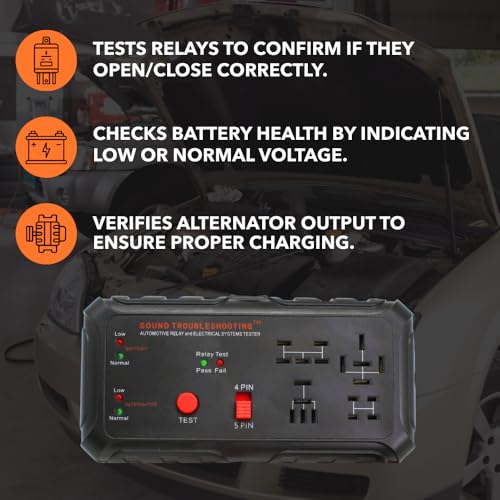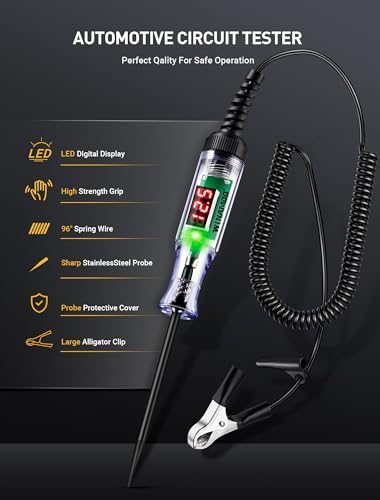
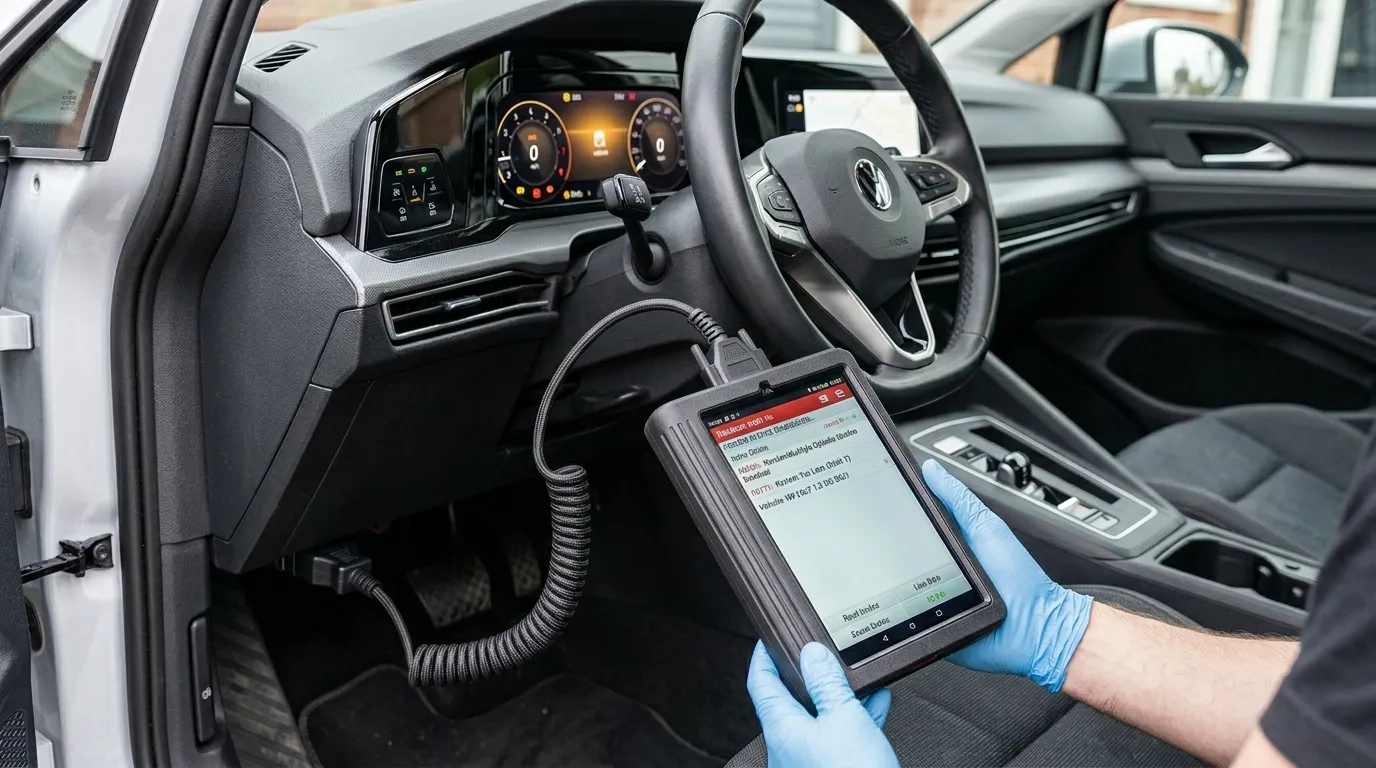
A scan tool for cars reads vehicle computers to find faults, data, and reset systems.
If you have ever asked what is a scan tool for cars, you are in the right place. I have used these tools in busy shops and home garages for years. In this guide, I will explain what it does, how it works, and how to pick one that fits your needs. You will see real examples, clear steps, and pro tips you can use today.
What is a scan tool for cars?
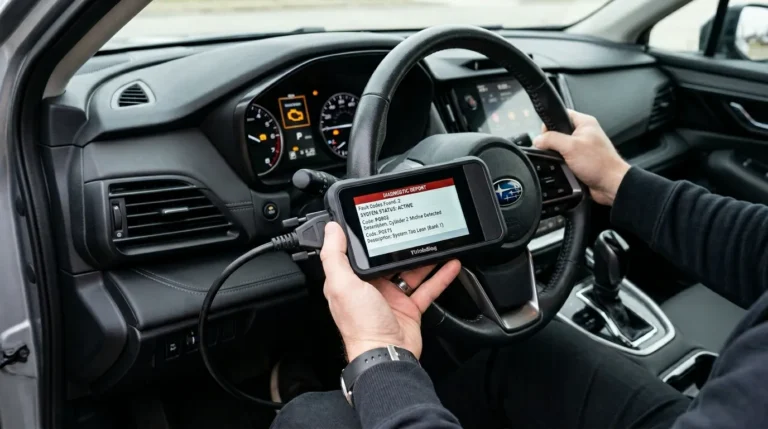
A scan tool for cars is a device or app that talks to your car’s onboard computers. It connects through the OBD-II port and pulls data like fault codes, live sensor values, and system status. It can also clear codes, run tests, and perform service resets on many vehicles.
Most cars built since 1996 in the US support OBD-II. This means one port and common rules for basic data. A modern tool reads this data using standards like SAE J1979 and ISO 15765-4 for CAN. When people ask what is a scan tool for cars, the simple answer is this: it is your window into the car’s brain.
You will also hear terms like OBD2 scanner, code reader, or automotive diagnostic tool. They overlap but do not always mean the same thing. Later, I will show you what matters and what to avoid so you buy right the first time.
How a car scan tool works under the hood
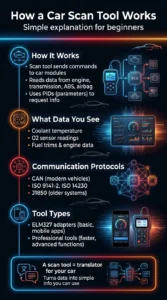
The scan tool sends commands to control units such as the engine, transmission, ABS, and airbag modules. It requests data in set modes and parameters called PIDs. The car replies with values like coolant temp, O2 sensor voltage, and fuel trims.
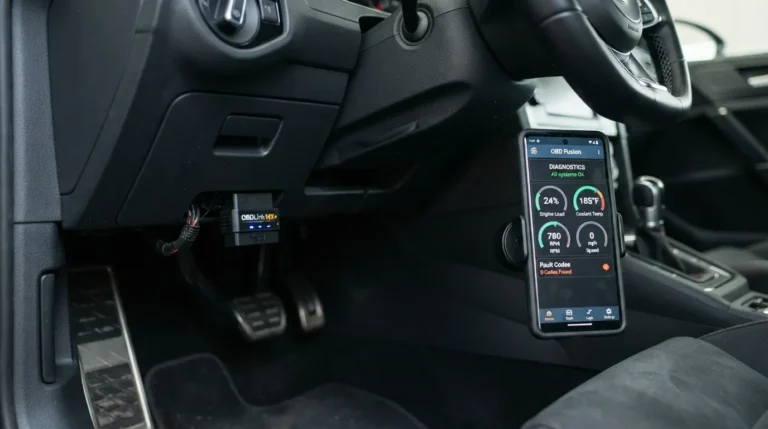
Common protocols include CAN, ISO 9141-2, ISO 14230, and J1850. Most 2008 and newer vehicles use CAN. Simple ELM327-style adapters translate messages so your phone or tablet app can read them. Pro tools add faster chips, deeper brand coverage, and special functions.
When you ask what is a scan tool for cars, think of it like a translator. It turns complex network chatter into plain numbers and words you can act on. That is why even a beginner can spot a problem with a little guidance.
Types of car scan tools
There are a few main categories. Your choice depends on budget, features, and how much you wrench.
- Basic code readers. Read and clear check-engine codes and show simple live data. Good for quick checks.
- Bluetooth OBD-II adapters with apps. Low cost, easy to carry, and great for live data on a phone. App quality varies a lot.
- Mid-level handheld scan tools. Bigger screens, better graphs, readiness checks, and some special functions like EPB reset.
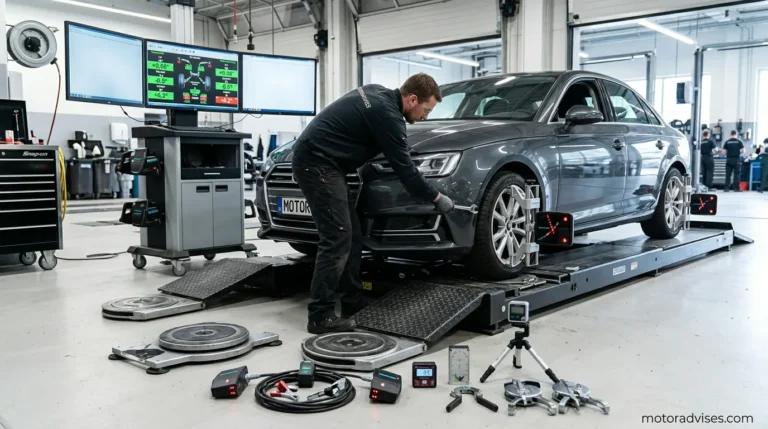
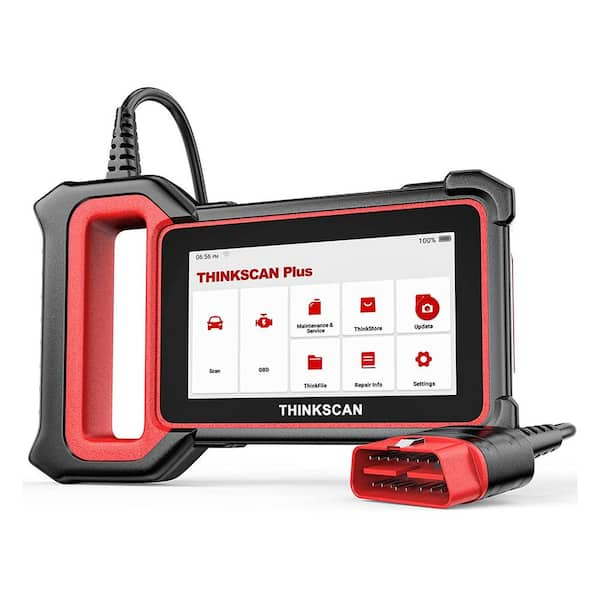
- Professional diagnostic tablets. Dealer-level access on many brands, bi-directional tests, coding, and guided diagnostics.
- OEM software and interfaces. Brand-specific like Techstream or ISTA. Deepest access, but costly and complex.
One key point in what is a scan tool for cars is scope. Basic tools talk to the engine module only. Better tools can reach ABS, SRS, TPMS, and body modules. Pro tools also run active tests and special resets.
What you can do with a scan tool
Even an entry-level tool can save time and money. A stronger tool unlocks even more.
- Read and clear Diagnostic Trouble Codes. Includes generic P0xxx and many P1xxx manufacturer codes.
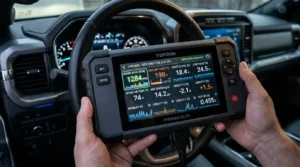
- View live data. Track STFT, LTFT, MAF, O2 sensors, coolant temp, RPM, and more.
- Check freeze-frame data. See a snapshot of conditions when a code set.
- Verify readiness monitors. Needed for emissions testing after repairs or a battery disconnect.
- Run service functions. Oil light reset, EPB retract, steering angle sensor reset, battery registration on some cars.
- Perform bi-directional controls. Command fans, pumps, solenoids, or run EVAP and misfire tests on capable tools.
- Log and graph data. Spot trends and intermittent faults while driving.
If your goal is to understand what is a scan tool for cars, this list shows the day-to-day value. It is not just code reading. It is guided problem solving.
Source: homedepot.com
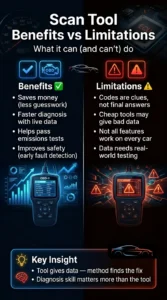
Benefits and limitations
Benefits are clear, but every tool has limits. Set the right expectations.
- Saves money. Confirms issues before parts shopping and avoids guesswork.
- Speeds diagnosis. Live data points you to the system in minutes, not hours.
- Helps pass emissions. Readiness checks and drive-cycle support prevent test fails.
- Improves safety. Catch brake or airbag faults early on advanced tools.
Limits to keep in mind:
- A code is a clue, not a verdict. P0302 means misfire on cylinder 2. It does not tell you if it is a plug, coil, or injector.
- Cheap adapters can be slow, drop data, or crash. Some can even corrupt modules if power is unstable.
- Not all features work on every car. Special functions depend on brand, year, and tool updates.
- Data needs context. A sensor may read fine at idle but fail under load. Graph and road test when safe.
These notes matter when people search what is a scan tool for cars. The tool is powerful, but your method is what fixes cars.
How to choose the right scan tool
Pick based on the cars you own, your skill level, and the jobs you want to do.
- Vehicle coverage. Check model years, systems beyond the engine, and regional variants.
- Features. Live data graphs, freeze-frame, Mode 6, service resets, and bi-directional tests.
- Updates and support. Frequent updates keep up with new models and add tests.
- Speed and stability. Look for fast refresh rates and good Bluetooth or USB stability.
- Data export. CSV logs and screen capture help share findings or get help online.
- Build and battery. Rugged case, clear screen, and long life matter in the field.
Sample picks by use case:
- First-time DIYer. A solid Bluetooth adapter and a reputable app for live data and codes.
- Home enthusiast. A mid-level handheld with service functions and graphing.
- Side-hustle mobile tech. A pro tablet with broad brand coverage and active tests.
- Brand specialist. OEM software or a J2534 pass-thru device with subscriptions.
If you are still wondering what is a scan tool for cars in practice, the best one is the tool you will use often and can trust.
How to use a scan tool step by step
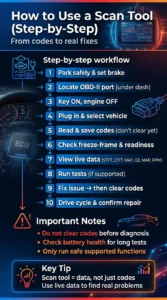
Follow this simple flow for safe and clear results.
- Park safely. Set the brake. Keep the battery charged if you will test long.
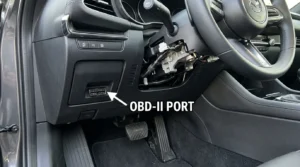
- Find the OBD-II port. It is under the dash, near the steering wheel on most cars.
- Turn the key on. Engine off at first unless the tool says otherwise.
- Plug in and select your vehicle. Choose auto-detect if available.
- Read codes and save a report. Do not clear anything yet.
- Check freeze-frame and readiness. Note fuel level and temps for EVAP tests.
- View live data. Graph key PIDs like STFT, LTFT, MAF, O2, MAP, and RPM.
- Run tests or functions. Only if your tool and car support them and it is safe.
- Fix the root cause. Then clear codes and confirm the repair.
- Drive a proper cycle. Verify monitors go ready and no codes return.
A short answer to what is a scan tool for cars in daily use is this workflow. It turns code reading into real fixes.
Real-world examples and tips from the bay
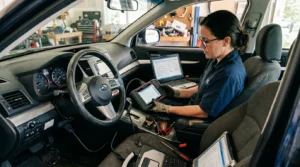
I once chased a P0456 small EVAP leak on a compact SUV. Live fuel tank pressure data was jumpy. A smoke test showed a cracked vent hose near the canister. A ten-dollar hose beat a guess at a pricey purge valve.
For a P0302 misfire, I swapped the coil with cylinder 4 and watched the code follow. That proved the coil was bad in minutes. Another time, long-term fuel trims were +18% at cruise, but normal at idle. A tiny intake leak showed up only under load. The scan tool data told the story.
Tips you can use:
- Always save a pre-repair report. It helps if issues return later.
- Watch trims together. High STFT and LTFT point to air or fuel issues, not always sensors.
- Check battery health before programming or long tests. Low voltage corrupts data and modules.
- Do not clear codes before you look at freeze-frame. You lose the snapshot of when it failed.
- Update your tool often. New models and test routines roll out all the time.
Stories like these show what is a scan tool for cars beyond the sales pitch. It is a smart helper that pays for itself fast.
Related terms and concepts you will see
Understanding these will make your tool ten times more useful.
- OBD-II. On-board diagnostics standard since 1996 for emission-related data.
- DTC. Diagnostic Trouble Code. P for powertrain, B body, C chassis, U network.
- MIL. Malfunction Indicator Lamp. The check engine light.
- Mode 6. Raw test results that can expose pending failures early.
- Freeze frame. Snapshot of key values when a code sets.
- Readiness monitors. Self-tests your car runs before it passes emissions.
- Fuel trims. STFT is short-term, LTFT is long-term. Together they show mix health.
- CAN bus. The main data network in most modern cars.
If someone asks what is a scan tool for cars, this vocabulary helps you answer with confidence.
Frequently Asked Questions of what is a scan tool for cars
What is a scan tool for cars, and how is it different from a code reader?
A scan tool for cars reads and clears codes, shows live data, and runs tests. A basic code reader usually only reads and clears engine codes with limited data.
Do I need a scan tool if my check engine light is on?
Yes, it helps you find the root cause faster and avoid guesswork. Even a basic tool can show the code and freeze-frame so you can plan the next step.
Can a scan tool fix my car by itself?
No, it guides you by showing data and tests, but you still need to diagnose. Think of it as a stethoscope, not a surgeon.
Will clearing codes help me pass emissions?
Not by itself. Clearing codes resets monitors, and many states fail cars with monitors not ready, so you must run a full drive cycle first.
Are Bluetooth OBD2 adapters safe to use while driving?
Yes, if the app is stable and you mount your device safely. Do not stare at the screen; set up your graphs before you roll.
Which scan tool should I buy for home use?
Pick a tool that supports your cars, offers live data graphs, and has good reviews. A solid mid-level handheld or a trusted Bluetooth adapter with a proven app works well.
Conclusion
A scan tool turns hidden car data into simple clues you can act on. When you know what is a scan tool for cars and how to use it, you save money, learn faster, and fix problems with confidence.
Start small if you are new. Read codes, study live data, and track your progress. Ready to go deeper? Explore tools with service functions and active tests. Share your wins, ask questions, and subscribe for more hands-on guides and real-world tips.