An OBD2 scanner offers live data and advanced diagnostics; a code reader only reads and clears trouble codes.
I’ve spent years fixing cars and testing tools, so I know how confusing the choice between an obd2 scanner vs code reader can be. This article breaks down what each tool does, when to use one over the other, and how to pick the right tool for your needs. Expect clear comparisons, real-world tips from my shop experience, and step-by-step advice so you can decide faster and spend less time guessing under the hood.
Understanding OBD2 Scanner vs Code Reader
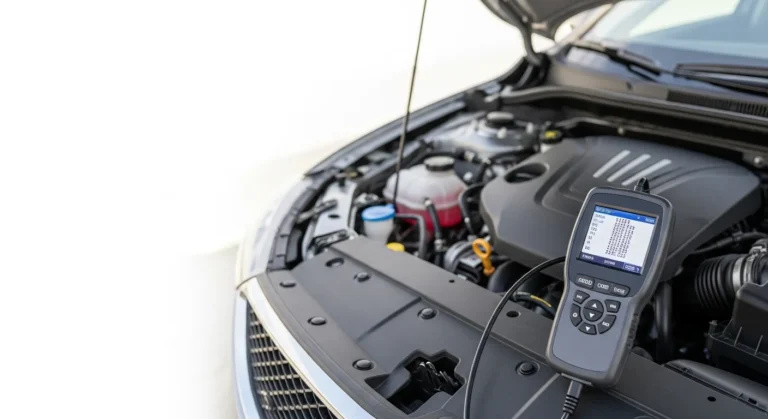
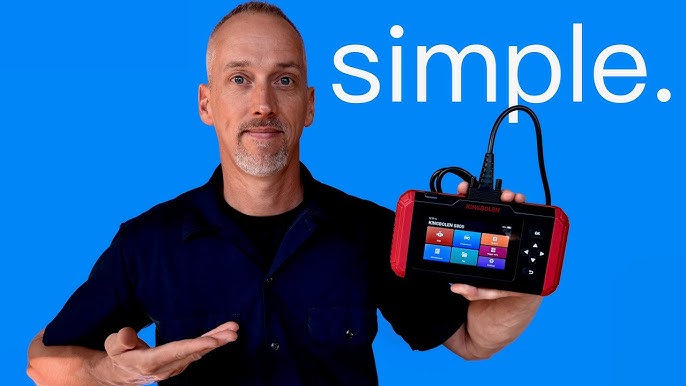
An obd2 scanner vs code reader is often described as advanced tool versus basic tool. A code reader connects to your car and pulls stored Diagnostic Trouble Codes (DTCs). An obd2 scanner can do that and much more, like show live sensor data, run system tests, and support bi-directional controls.
Think of a code reader as a thermometer that tells you a symptom. Think of an obd2 scanner as a full clinical kit that helps you find the cause. For simple “check engine” lights, a code reader may be enough. For diagnosing drivability issues, intermittent faults, or emissions failures, an obd2 scanner is the smarter buy.
Key Features Compared
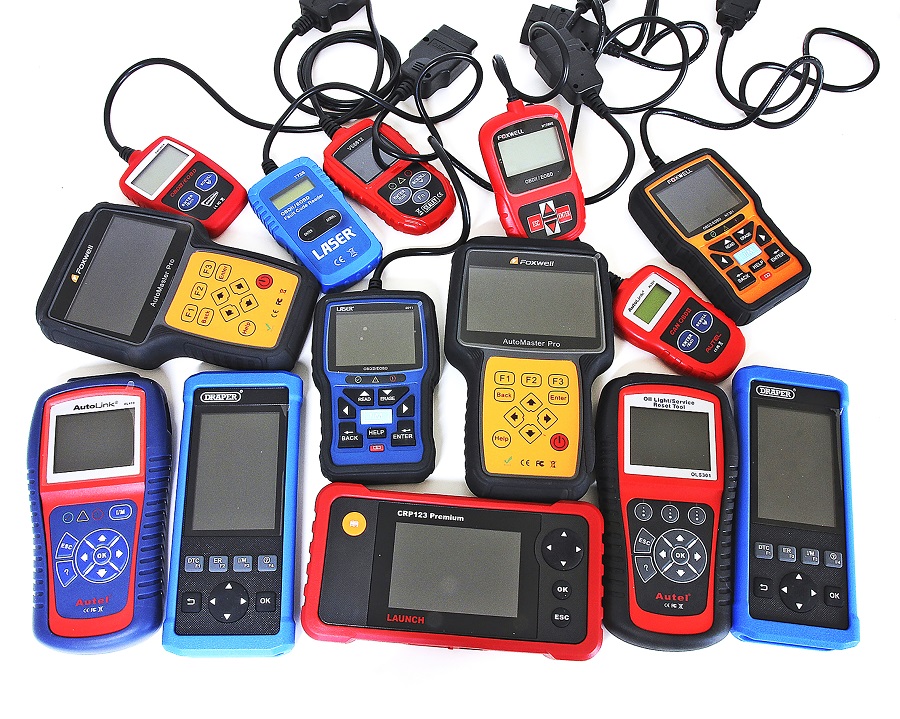
Here are clear feature differences when comparing an obd2 scanner vs code reader.
- Read and clear codes. Both tools read and clear generic OBD2 codes for engine systems.
- Live data streaming. An obd2 scanner shows live sensor values, RPM, fuel trims, and more; a basic code reader rarely offers this.
- Freeze frame data. Scanners capture freeze frame snapshots; readers may not store detailed snapshots.
- Bi-directional controls. Many obd2 scanners let you command actuators or run tests. Code readers do not.
- Emission readiness and advanced diagnostics. Scanners report readiness monitors and advanced codes used by technicians.
- Vehicle coverage. Scanners often cover more manufacturers and extra modules like ABS or SRS. Code readers mainly cover engine/PCM codes.
- Software and updates. Scanners frequently receive firmware and app updates to add features or new vehicles. Code readers may not update.
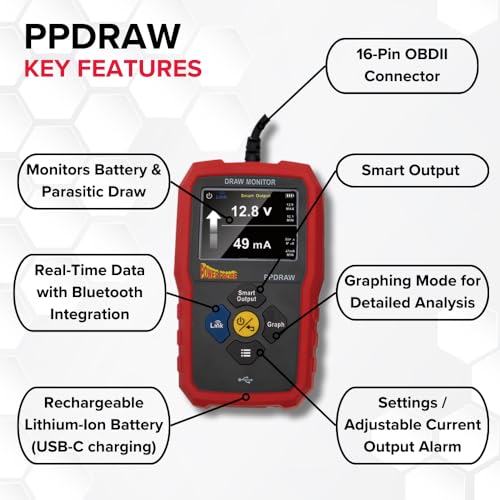
- User interface. Code readers are usually simple with small screens. Scanners often include color screens, graphing, and PC or phone apps.
When comparing obd2 scanner vs code reader, remember that price scales with capability. A small cost difference can unlock a lot of diagnostic power.

Practical Use Cases
Knowing when to use an obd2 scanner vs code reader saves time and money.
- Quick code check. Use a code reader to confirm a check engine light or clear a pending code after a simple fix.
- Troubleshooting intermittent problems. Use an obd2 scanner to log live data and find patterns that a reader cannot show.
- Emissions testing and readiness. Use an obd2 scanner to verify readiness monitors and prepare a car for inspection.
- Professional diagnostics. A shop needs an obd2 scanner for module scans, ABS, airbags, and advanced testing.
- DIY maintenance. If you want to save trips to the mechanic and perform in-depth troubleshooting, choose an obd2 scanner.
PAA-style questions
How quickly will a basic code reader find my problem?
A code reader gives trouble codes fast but rarely tells the full cause. You may need an obd2 scanner or a mechanic to analyze live data and freeze frames.
Can a scanner clear all warning lights?
A scanner can clear many lights, but clearing a light does not fix the underlying issue. Persistent faults will return until the problem is repaired.

How to Choose: Buying Guide for obd2 scanner vs code reader
Follow this simple checklist to pick the right tool.
- Budget and usage. If you only want to clear codes sometimes, a code reader fits a tight budget. If you diagnose often, invest in a scanner.
- Vehicle age and make. Newer or foreign cars may need a scanner with broader coverage. Check compatibility before buying.
- Required features. Look for live data, freeze frame, graphing, and module support if you need in-depth checks.
- Ease of use. Choose tools with simple menus or a clear app interface if you are not tech savvy.
- Update policy. Prefer tools with regular updates for new car models and bug fixes.
- Warranty and support. Good warranties and responsive support reduce long-term risk.
Personal tip from my experience: buy the best scanner you can afford. A solid scanner prevents guesswork and often pays for itself by avoiding unnecessary repairs.
Real-world Examples and Brand Types
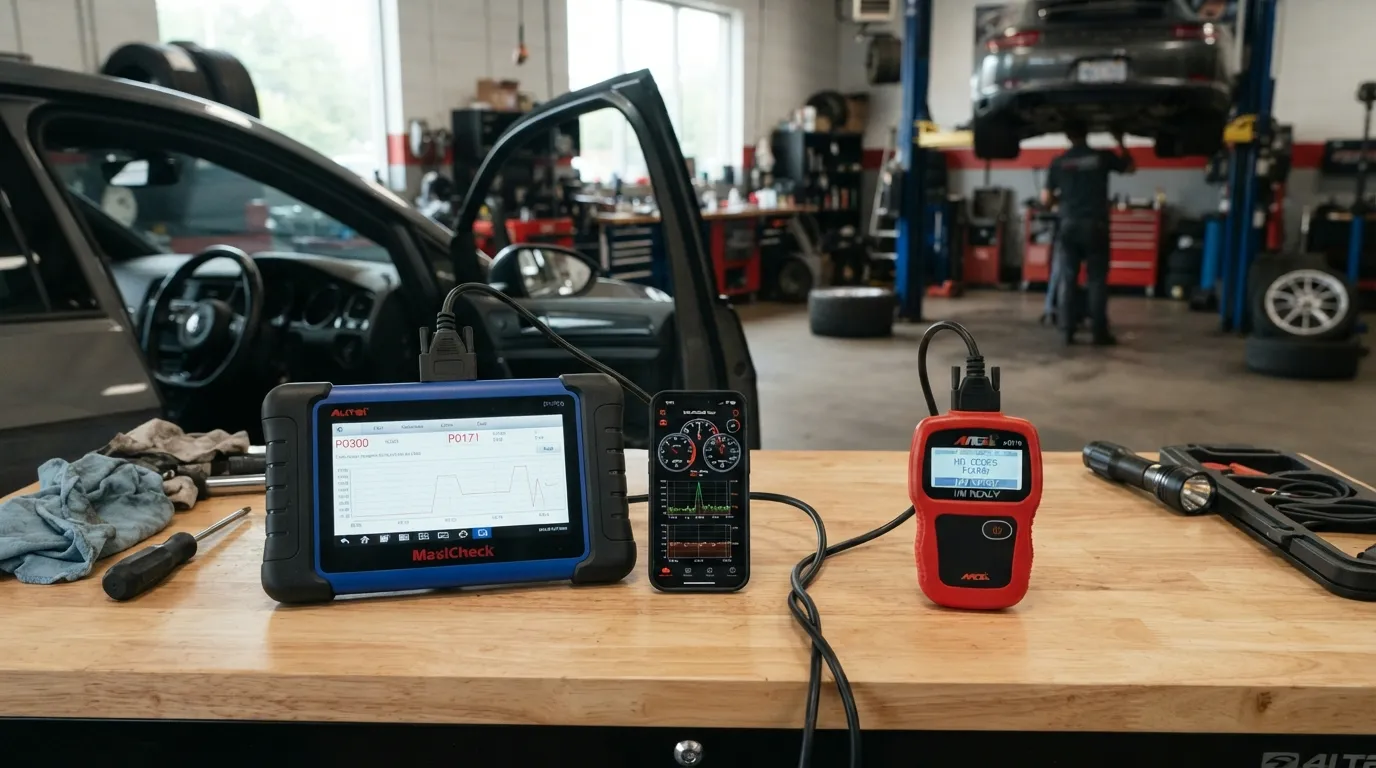
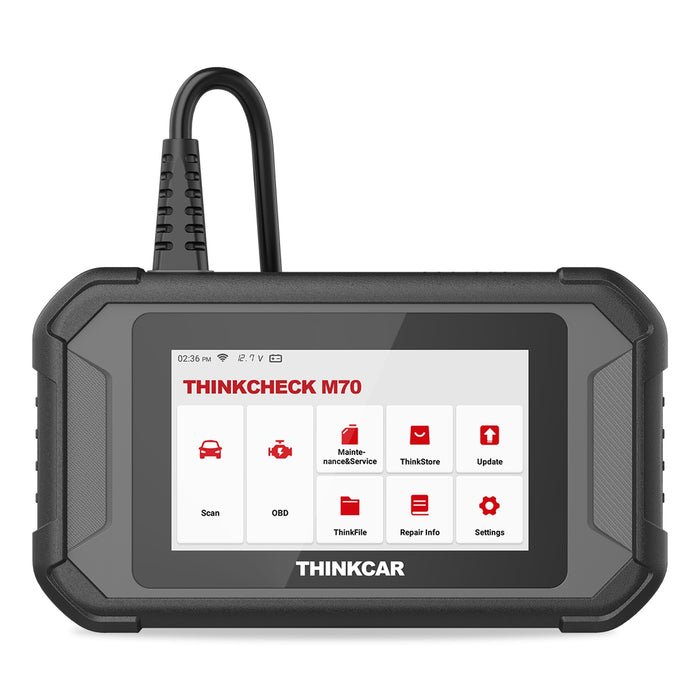
Here are common examples that show the difference between obd2 scanner vs code reader in practice.
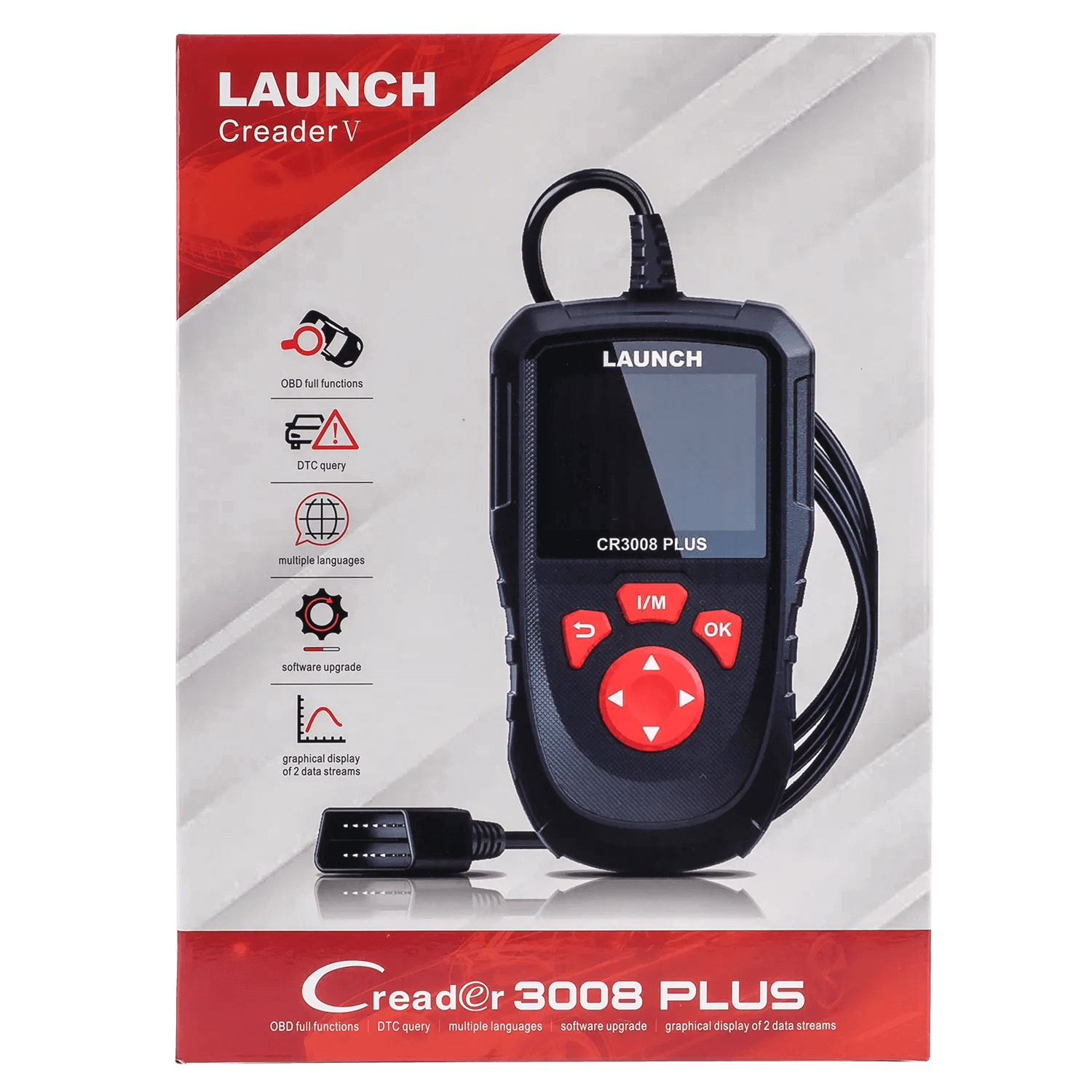
- Entry-level code reader. Small handheld unit, reads and clears basic engine codes. Cheap and lightweight.
- Bluetooth OBD2 adapter with phone app. Affordable and handy for basic checks, but features depend on the app.
- Mid-range scanner. Offers live data, freeze frame, and limited module scans. Good for home mechanics.
- Professional scanner. Bi-directional controls, module programming, and broad vehicle coverage. Used by shops.
Example scenario: I used a mid-range scanner to diagnose a misfire that returned after a tune-up. Live fuel trim and ignition timing data revealed a vacuum leak, which a code reader never showed.
Limitations and When to See a Pro
Both tools have limits. Know when to stop and call a professional.
- Code readers miss context. They give code numbers but not why a fault exists.
- Scanners have learning curves. Advanced features require knowledge to interpret data correctly.
- Calibration and programming. Some repairs need module reprogramming that only dealer-level tools can do.
- Safety and complexity. Airbag and brake system repairs may need certified tools and training.
If a problem affects safety systems or requires part calibration, see a trained technician. An obd2 scanner vs code reader comparison can’t replace professional diagnostics in complex cases.

Step-by-step: Using an OBD2 Scanner vs Code Reader
Follow these steps whether you use a scanner or a reader.
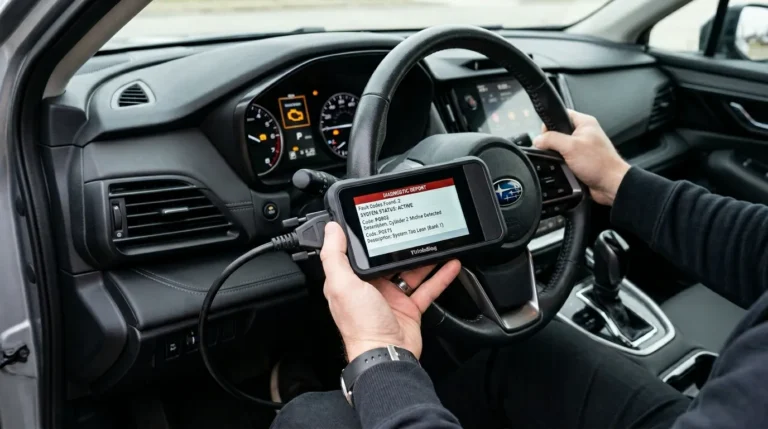
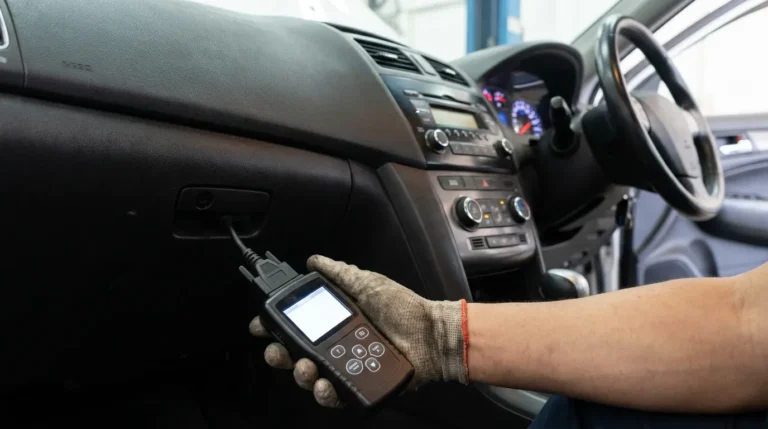
- Locate the OBD2 port, usually under the dash on the driver side.
- Turn the vehicle ignition to ON without starting the engine.
- Plug the reader or scanner into the port and power it on.
- Read stored codes and note the DTC numbers.
- Use an obd2 scanner to view live data or run module tests if codes are unclear.
- Research the codes, check freeze frame data, and inspect relevant parts.
- Clear codes only after repairs or to confirm the fix.
- If codes return, log live data and seek professional help if needed.
From my shop experience, logging live data for 10–20 minutes often reveals patterns that a quick code read misses.

Frequently Asked Questions of obd2 scanner vs code reader
What is the main difference between an obd2 scanner vs code reader?
A code reader reads and clears basic engine trouble codes. An obd2 scanner offers the same plus live data, tests, and deeper module access.
Will a code reader work on all cars?
Most code readers work on OBD2-equipped cars from 1996 onward in the US. Some older or manufacturer-specific codes may not be supported.
Can I diagnose intermittent problems with a code reader?
Intermittent issues usually require live data logging and freeze frame info, which a basic code reader often lacks. An obd2 scanner with logging is better for intermittent faults.
Is a Bluetooth OBD2 adapter as good as a handheld scanner?
Bluetooth adapters are handy and low cost, but capability depends on the app. Many handheld scanners provide more reliable features and better diagnostic tools.
How much should I spend on a good scanner?
For a reliable home-use obd2 scanner expect to spend more than a basic code reader. Mid-range scanners offer the best balance of cost and capability.
Can I clear a check engine light with a code reader?
Yes, a code reader can clear many check engine lights. Clearing without fixing the root cause may cause the light to return.
Conclusion
Choosing between an obd2 scanner vs code reader comes down to need and budget. A code reader is fine for quick checks and simple fixes. An obd2 scanner brings live data, advanced tests, and professional-level insight that helps solve tricky problems faster. Start with your goals, pick a compatible tool, and learn basic diagnostics to save time and money. Try a scanner if you care about deeper troubleshooting; if you only clear lights occasionally, a code reader will do. Share your experiences, ask questions below, or subscribe for tool guides and real-world tips.