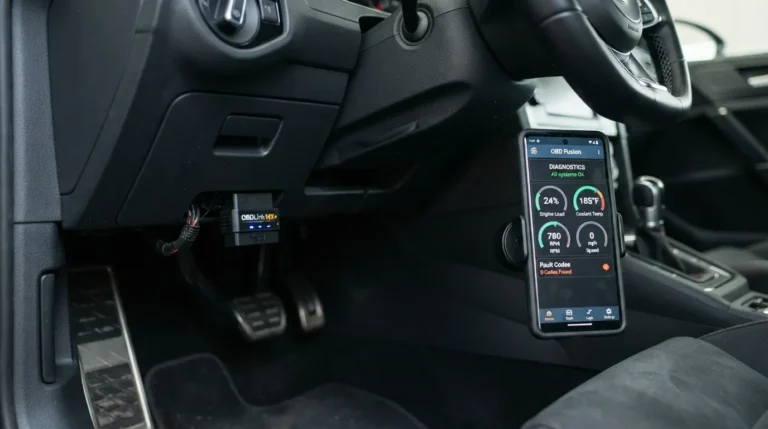
The best OBD2 scanner for beginners is the BlueDriver Bluetooth OBD2 scanner.
If you want fast, clear answers from your car with no stress, you are in the right place. I test scan tools every week in real garages and driveways. This guide shows the best obd2 scanner for beginners, how they work, and how to use them the right way. You will learn what to buy, what to avoid, and how to fix common issues with confidence.

What is an OBD2 scanner, and why it matters for beginners
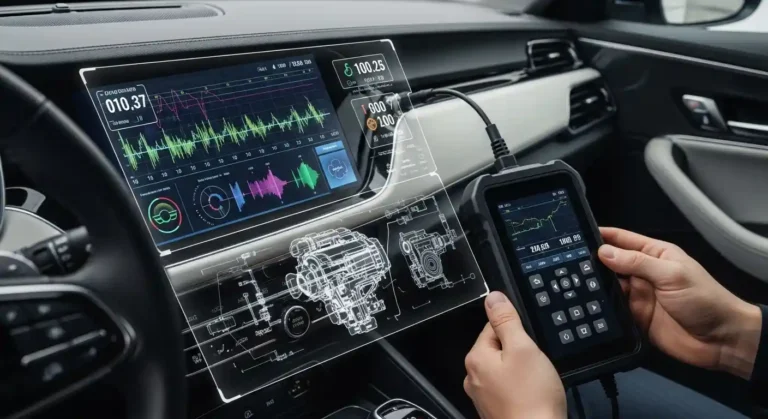
An OBD2 scanner is a tool that talks to your car’s computer. It reads fault codes, live data, and system status. If your check engine light is on, a scanner tells you why.
OBD2 has been standard on most cars and light trucks since 1996 in the US. It uses common rules set by SAE and ISO. It covers engine and emissions. Some tools can also read ABS and airbag on many cars.
A scanner can:
- Read and clear diagnostic trouble codes, like P0301 for a misfire.
- Show live data, like fuel trims, O2 sensor graphs, and coolant temp.
- Check readiness monitors before an emissions test.
- Save freeze frame data for the moment a fault set.
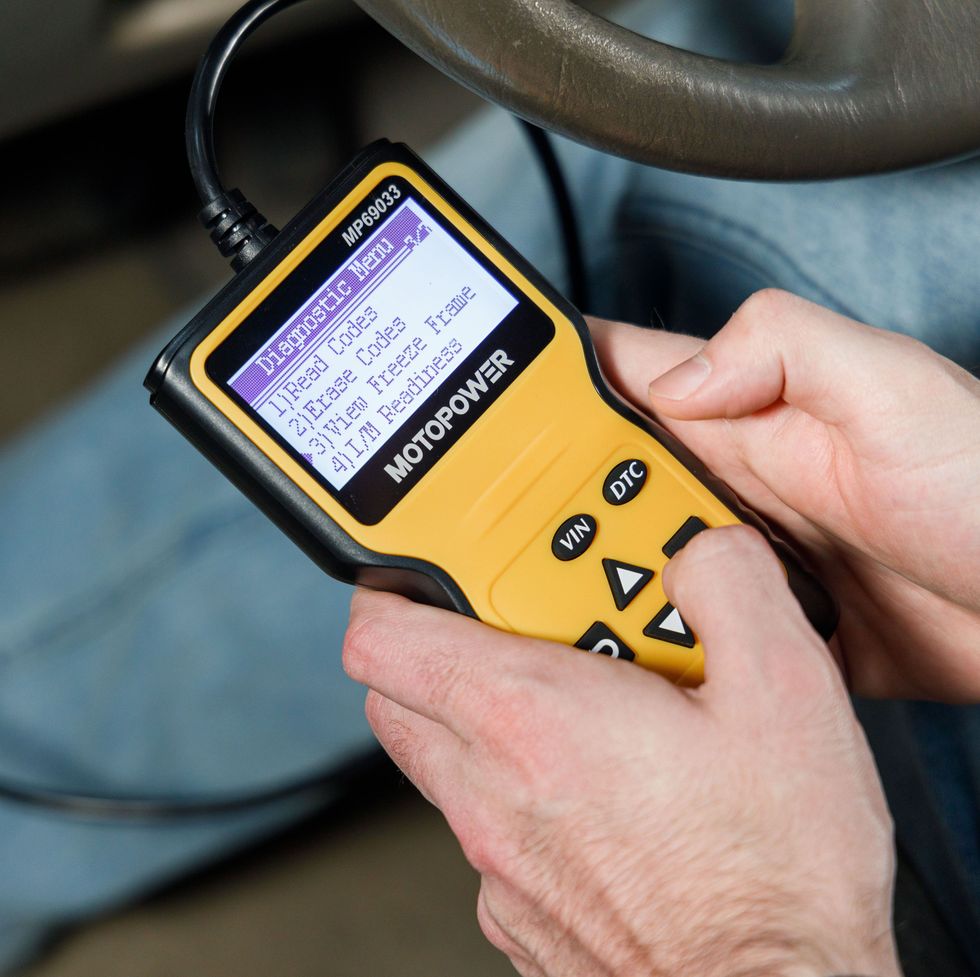
Limits exist. A basic tool may not read ABS or SRS. Some phones or cheap dongles can be slow or not secure. But the best obd2 scanner for beginners makes hard stuff seem simple. It explains codes in plain words and guides you step by step.
How I test and pick the best obd2 scanner for beginners
I use real cars and real faults. I test on a 2012 Honda Civic, a 2018 Ford F-150, a 2015 Toyota Camry, and a 2020 Subaru Outback. I trigger safe sample codes, log data, and compare fixes. I check app quality, speed, and the clarity of language.
My scoring covers:
- Setup time and ease. You should be reading a code in under two minutes.
- Plain-English code help. No jargon walls.
- Live data speed and graphs. Smooth lines, not laggy jumps.
- Coverage. Engine is a must. ABS and SRS support adds big value.
- Updates and support. Active updates beat static tools.
- Privacy and security. I avoid risky ELM327 clones.
- Price and warranty. Good value wins.
I also look at standards. OBD2 Mode 3 for stored codes. Mode 6 for test results. Readiness states. The best obd2 scanner for beginners should show these in a clean way.

The best obd2 scanner for beginners: top picks and who they suit
These are the tools I recommend right now. I list clear wins and trade-offs so you can pick with ease. This section is your roadmap to the best obd2 scanner for beginners for different needs and budgets.
Best overall: BlueDriver Bluetooth OBD2 Scanner
- Why I like it: Simple setup, great app, and plain code tips. It shows live data, freeze frame, and many enhanced codes for popular brands.
- Best for: iPhone and Android users who want fast answers with no stress.
- Price range: Mid to high. One-time purchase. No forced subscription.
- Watch-outs: It is app-based. You need your phone charged.
Best for speed and pro features: OBDLink MX+
- Why I like it: Very fast, secure link, and wide app support. Great graphs. Works with OBDLink app and many third-party apps.
- Best for: Users who want growth room as skills rise.
- Price range: Higher. But worth it if you like data.
- Watch-outs: The options can feel deep for day one users.
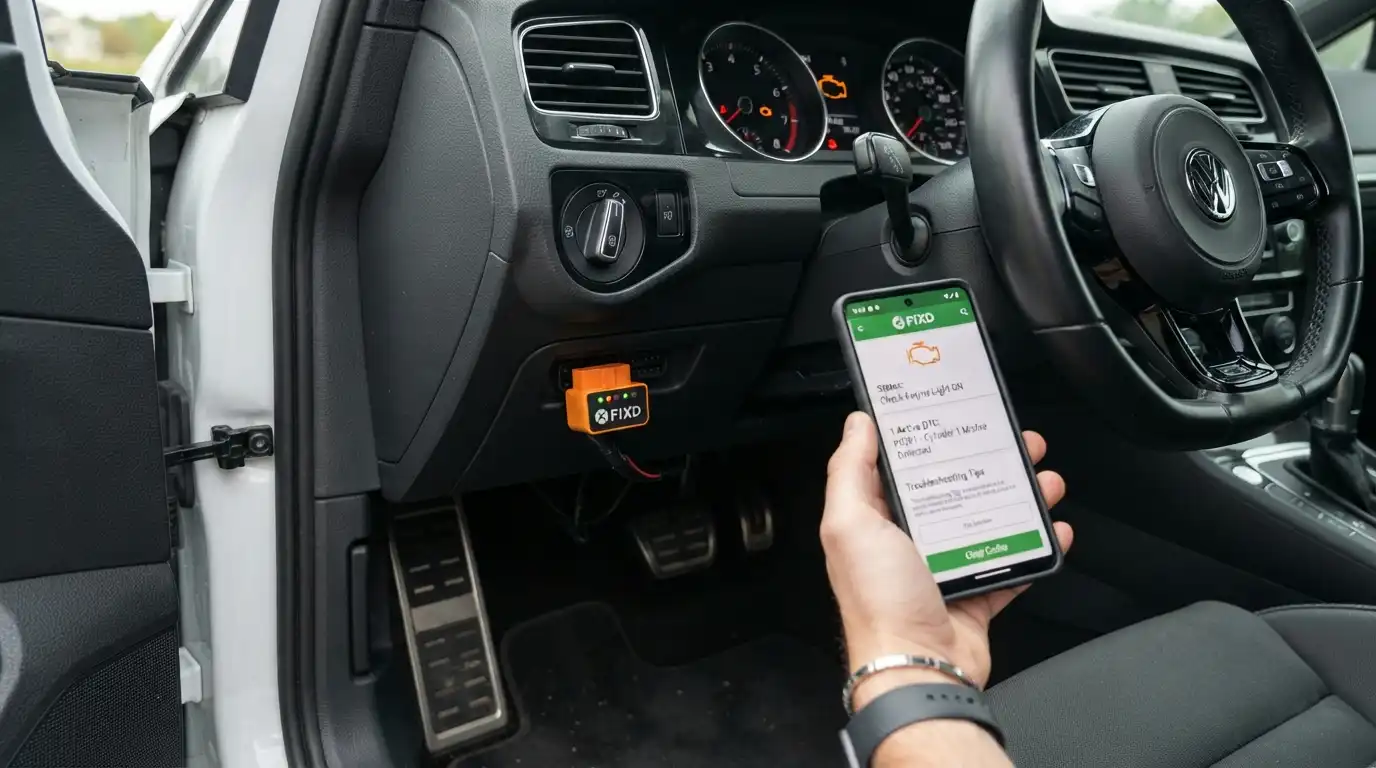
Best budget Bluetooth: FIXD Sensor
- Why I like it: Clean app and friendly tips for new users. Quick setup.
- Best for: Beginners who want a light, simple start.
- Price range: Low for the dongle. Some features need a subscription.
- Watch-outs: Advanced data and brand coverage are not as deep without the plan.
Best budget handheld: Autel AutoLink AL319
- Why I like it: No phone needed. Plug in and read codes. Clear screen and basic live data.
- Best for: Anyone who wants a tool that works even if your phone dies.
- Price range: Low.
- Watch-outs: Engine and emissions only. No ABS or SRS.
Best handheld with ABS/SRS: Innova 6100P
- Why I like it: Reads engine, ABS, and SRS on many cars. Good screen and buttons. Repair tips are helpful.
- Best for: DIY users who want one tool for more than the engine.
- Price range: Mid.
- Watch-outs: Menu can feel busy at first.
Best for app ecosystem tinkerers: Carista Bluetooth
- Why I like it: Nice for some VW, Audi, BMW, Toyota coding and service resets.
- Best for: Users who want service resets and light coding with guides.
- Price range: Low for the dongle. App needs a paid plan.
- Watch-outs: Coverage depends on make. Read the list first.
How to choose from this list:
- Want the easiest start? Pick BlueDriver.
- Want speed and more apps? Pick OBDLink MX+.
- On a tight budget? FIXD or Autel AL319.
- Need ABS/SRS today? Innova 6100P.
The best obd2 scanner for beginners is the one you will use often. Trust ease over hype.

Bluetooth vs handheld: which is better for new users?
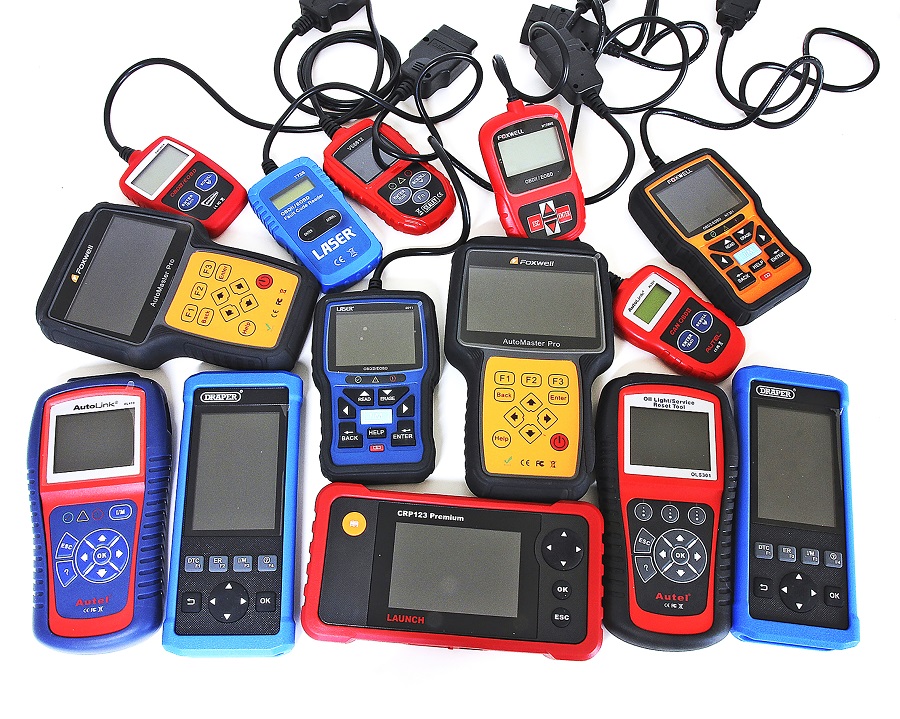
Bluetooth OBD2 scanners use your phone. Handhelds have a screen and keys on the tool. Both work well. Each has trade-offs.
Bluetooth pros:
- Great apps with tips and graphs.
- Easy updates.
- Share reports fast.
Bluetooth cons:
- Needs a phone and battery.
- Cheap clones can be slow or unsafe.
Handheld pros:
- Works even if your phone is dead.
- Stable link. No pairing issues.
Handheld cons:
- Fewer features at low price points.
- Screens can be small. Text can be dense.
My rule of thumb:
- If you like apps and clear reports, go Bluetooth.
- If you want a plug-and-go tool, go handheld.
- If you want ABS and SRS, check the box twice before you buy.
The best obd2 scanner for beginners can be either type. Pick what fits your style and your garage.

Step-by-step: how to use an OBD2 scanner safely
Follow these simple steps. You will avoid common pain points.
- Park in a safe spot. Set the parking brake.
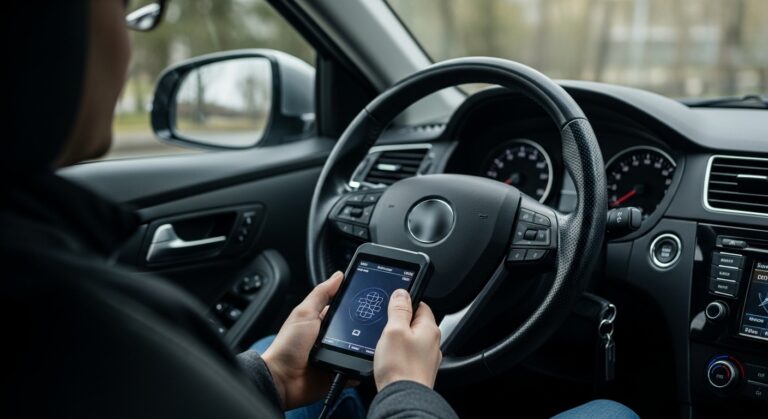
- Turn the key off. Plug the tool into the OBD2 port. It is near the driver’s knees.
- Turn the key to ON. Do not start yet. Pair your Bluetooth tool if needed.
- Open the app or tool menu. Tap Read Codes.
- Save freeze frame and codes. Take a photo or export a report.
- Check live data. Look at coolant temp, fuel trims, and O2 sensors.
- Search repair steps. Many apps show common fixes by code.
- Fix the root cause. Then clear the codes.
- Drive a short loop. Let the readiness monitors set. Check for the light again.
Tips to avoid a false fix:
- Do not clear codes before you note them.
- After clearing, some tests reset. You may fail an emissions test until they set.
- Use a battery maintainer if you test long with the key on.
The best obd2 scanner for beginners will guide these steps on screen. Still, a simple checklist helps a lot.
Common mistakes beginners make (and how to avoid them)
- Clearing codes too soon. Always save codes and freeze frame first.
- Ignoring readiness. Monitors must set before an inspection.
- Buying a cheap clone. Many ELM327 clones are slow and can drain the car battery.
- Skipping app updates. Updates fix bugs and add cars.
- Expecting magic. A code points to a system, not a part. Test, then replace.
The best obd2 scanner for beginners cannot undo a bad habit. Slow down. Take notes. You will learn fast.

Price and value: what to expect by budget
Under $30
- Simple readers. Read and clear engine codes. Basic data. Good as a glovebox backup.
$30 to $100
- Better build and screens. Some Bluetooth tools with solid apps. This is the sweet spot for many new users.
$100 to $200
- Deeper data, better graphs, and faster links. Some ABS/SRS support on popular cars. This is where the best obd2 scanner for beginners often sits.
$200 and up
- Wider brand coverage. Service resets. Pro features. Worth it if you wrench a lot.
Watch for add-ons:
- App plans. Some brands charge for extra tips or service resets.
- Extra cables. Handhelds may need a USB cable for updates.
Buy once, cry once is a thing here. The best obd2 scanner for beginners should last years.
Related terms and concepts you should know
- DTC. A diagnostic trouble code, like P0420. P0 codes are generic. P1 codes are maker-specific.
- Freeze frame. A snapshot of data when the fault set.
- Readiness monitors. Self-tests for emissions. They must be complete to pass tests.
- Mode 6. Raw test results, like misfire counts and O2 tests.
- Pending codes. A code that showed once. It may set hard if it repeats.
- CAN bus. The main network most cars use for OBD2 today.
These basics help you read what the tool shows. The best obd2 scanner for beginners will label these in plain words.

Frequently Asked Questions of best obd2 scanner for beginners
What cars work with an OBD2 scanner?
Any gas car or light truck in the US from 1996 onward should work. Many diesels from 2004 onward are covered as well.
Will a scanner tell me the exact part to change?
Not always. It points to a system. Use data and tests to confirm the failed part.
Can I pass emissions after clearing codes?
Not right away. You must drive until readiness monitors complete. That can take one or more drive cycles.
Is Bluetooth safe to leave plugged in?
Only if the device has sleep mode and good security. Cheap clones can drain the battery or pose risks.
Can I read ABS and airbags with any OBD2 scanner?
No. You need a tool with enhanced coverage. Check your car and model support list before you buy.
Conclusion
You now know what the best obd2 scanner for beginners looks like: simple setup, plain language, good live data, and updates that last. For most people, BlueDriver is the easiest win. If you want more speed and room to grow, OBDLink MX+ is a smart pick. On a budget, FIXD or Autel AL319 gets the job done, and Innova 6100P adds ABS and SRS when you need it.
Pick the tool that matches how you work. Save your first report. Learn one new data point each time you scan. Your skill will grow fast. Ready to dive deeper? Explore buyer guides, compare app screenshots, or leave a comment with your car and goals.
It will be able for how to use car diagnostic scanner