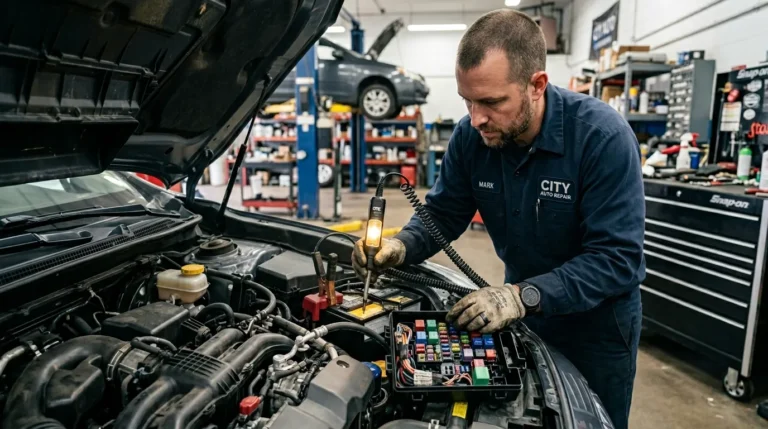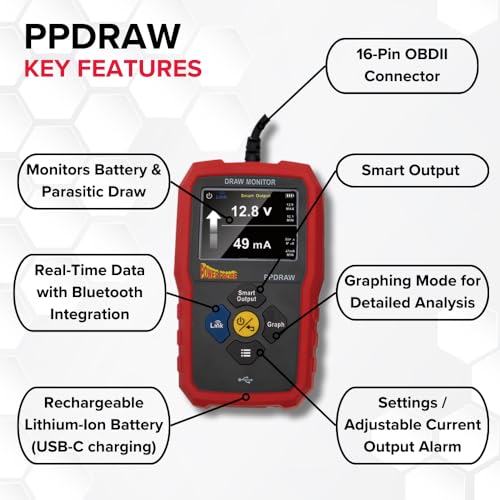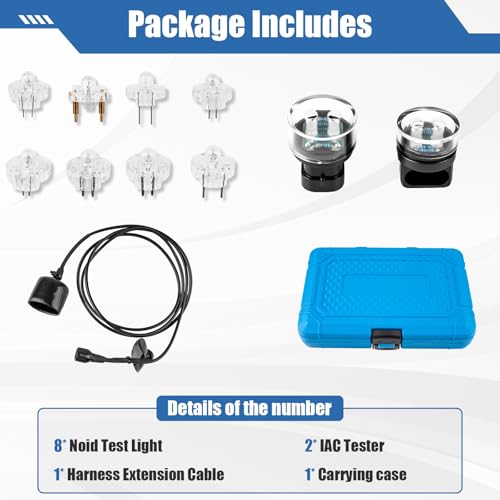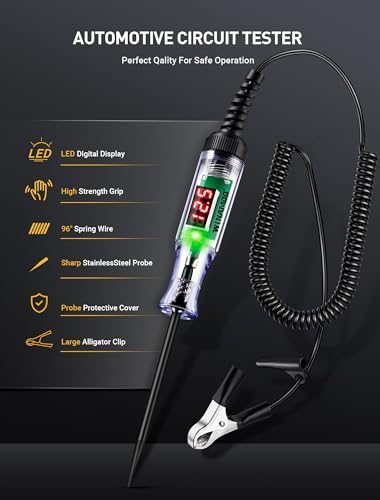
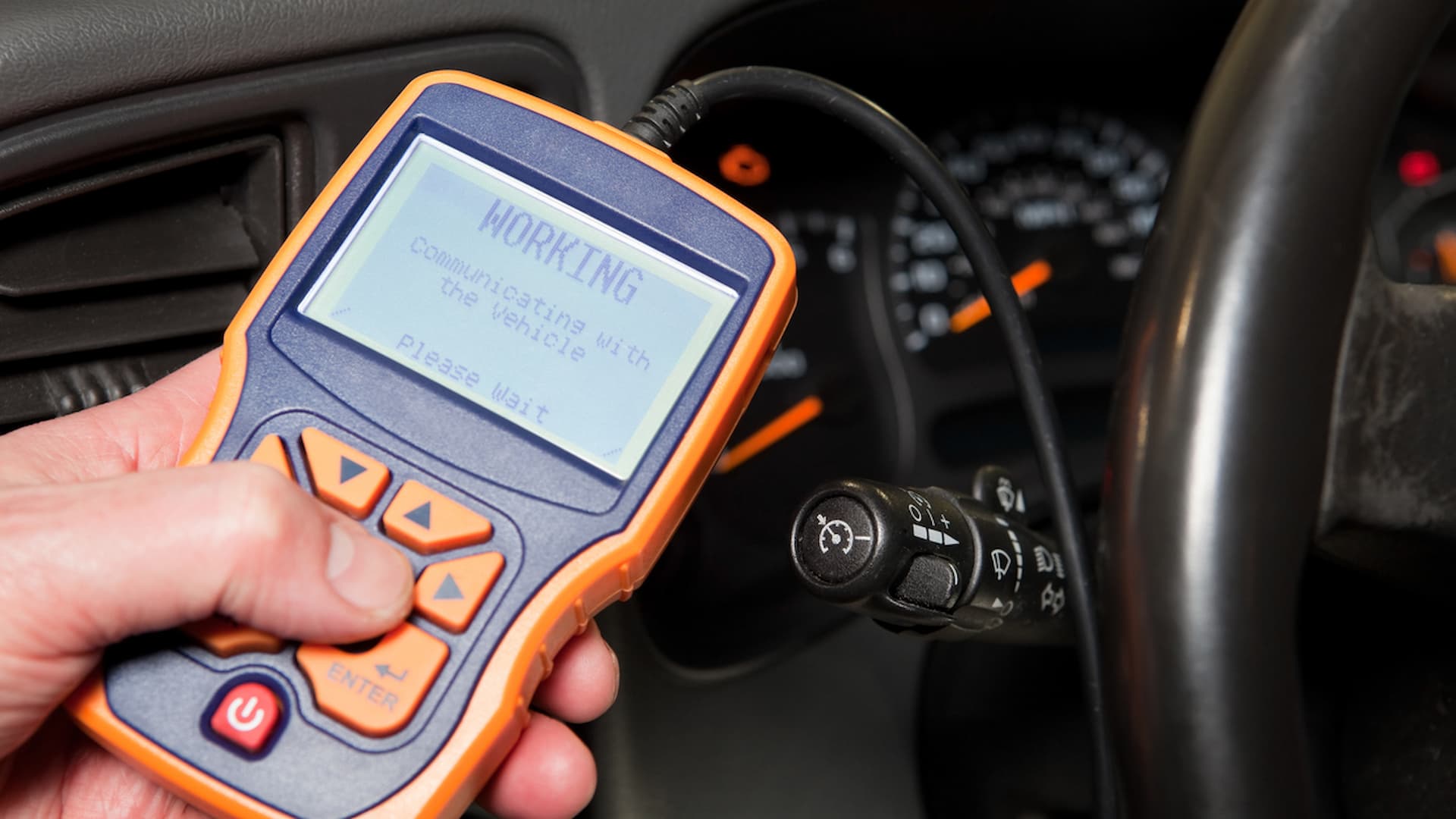
Plug the OBD-II reader into the port, read codes, and use live data to diagnose.
I’ve used dozens of scan tools in the shop and at home, so I’ll walk you through how to use code reader for cars step by step. This guide blends hands-on tips, clear diagnostics strategies, and simple explanations so you can read codes, interpret results, and take the right next steps with confidence. Read on to learn the tools, terms, and tricks I use every day.

Source: youtube.com
What a code reader does and why it matters
A code reader is a small tool that talks to your car’s engine computer. It reads diagnostic trouble codes, shows live sensor data, and helps you find what needs fixing. Knowing how to use code reader for cars saves time and money by pointing you to the real problem before you buy parts.
Code readers range from basic plug-in units to advanced Bluetooth scanners that pair with a phone app. They work with the OBD-II system found on most cars made since 1996. Learning basic use will put you ahead when you talk with a mechanic or troubleshoot at home.

Source: autonationmobileservice.com
Types of code readers and which one to pick
There are simple readers, mid-level scan tools, and advanced professional scanners. Each type fits different needs and budgets.
- Simple code readers show code numbers and let you clear codes. They are cheap and easy to use.
- Mid-level scanners show live data, freeze frame, and basic readiness monitors. They work well for DIYers.
- Advanced scanners add graphing, module coding, and manufacturer-specific codes. These are best for pros.
Pick a tool based on how deep you want to go. If you only want to read and clear basic codes, a simple reader will do. If you want live data and graphing to diagnose intermittent problems, choose a mid-level or advanced scanner.

Source: youtube.com
How to use code reader for cars — step-by-step
Follow these steps to get accurate results and avoid common mistakes.
- Prepare the vehicle
- Park on level ground and set the parking brake.
- Turn off accessories and ensure the battery has good charge.
- Locate the OBD-II port
- It’s usually under the dash on the driver’s side. Check near the steering column or kick panel.
- Plug in the code reader
- Turn the car key to the ON position without starting the engine if the reader requires power.
- Many readers power up automatically when connected.
- Read codes
- Follow the reader’s menu to scan for codes.
- Note both the code number and the brief description.
- Check live data and freeze frame
- Use live data to see sensor values while the engine runs.
- Look at freeze frame to view conditions when the code set.
- Research the code
- Use generic code meanings as a start, then check vehicle-specific causes.
- Look for related codes; multiple codes often point to the same root cause.
- Take action
- Perform simple fixes like tightening gas caps or replacing bad sensors.
- If the repair is complex, share the codes and live data with a trusted mechanic.
- Clear codes and retest
- Clear codes only after you fix the issue or want to verify the problem returns.
- Drive the car through a few cycles to let readiness monitors reset.
This process is the backbone of how to use code reader for cars correctly. Taking clear notes helps if you need professional help later.

Source: familyhandyman.com
Interpreting trouble codes and live data
A code number is a clue, not a diagnosis. You must read codes alongside live data and vehicle context.
- P-codes (powertrain) refer to engine and transmission systems.
- B-codes refer to body systems like airbags and lights.
- U-codes are network communication issues.
- C-codes apply to chassis systems like ABS.
When you see a P0301 (cylinder 1 misfire), look at fuel trim, ignition data, and compression tests. Live data such as oxygen sensor voltages, trim percentages, and misfire counters make the code useful. Don’t assume a code means one part is bad; use data to confirm.

Source: youtube.com
Common mistakes to avoid
I learned these the hard way in the garage. Avoid them to save time and money.
- Clearing codes before diagnosing means you lose freeze frame data and history.
- Replacing parts purely based on a code can lead to wasted parts and frustration.
- Ignoring readiness monitors can cause failed emissions tests after repairs.
- Using a cheap or incompatible reader might miss manufacturer-specific codes.
Take your time to verify the cause and use step-by-step troubleshooting.
Source: slashgear.com
Using Bluetooth code readers and apps
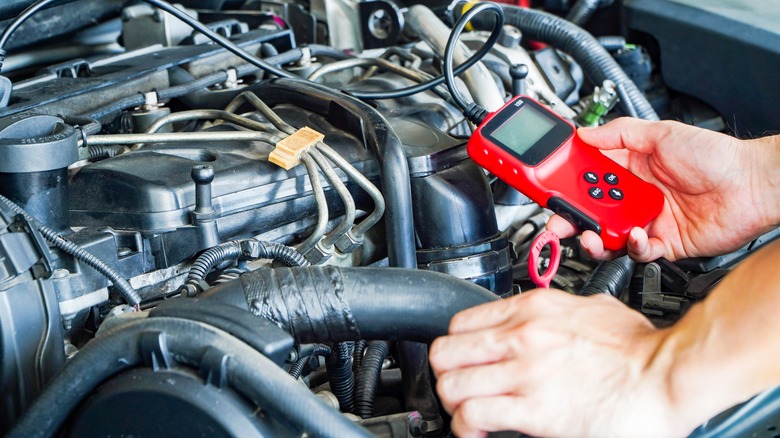
Bluetooth OBD-II adapters pair with phones or tablets for a rich interface. They are handy and portable.
- Choose an app with good reviews and ELM327 or manufacturer support.
- Pay attention to compatibility with your vehicle and the app’s features.
- Use live data graphs to spot trends over time, like slowly rising coolant temp.
I use a Bluetooth adapter plus an app for quick checks. It’s fast, but at times a dedicated mid-level scanner gives more reliable, vehicle-specific info.

Source: youtube.com
When to clear codes and when not to
Clearing codes can be useful, but do it at the right time.
- Clear codes after a confirmed repair to verify the issue is fixed.
- Don’t clear codes before testing; you lose useful diagnostic info.
- Be aware that clearing codes may reset readiness monitors and delay emissions testing readiness.
If a mystery code returns quickly, it confirms an active fault. If it stays away, you may have fixed an intermittent issue.

Source: amazon.com
Limitations and safety considerations
Code readers help a lot, but they are not a full substitute for hands-on mechanical checks.
- Some codes require specialized tools or tests, like fuel pressure or compression tests.
- Safety matters: avoid working on a running engine without proper knowledge.
- Vehicle-specific or security-related modules may need dealer-level tools.
Be honest about limits. If a fix requires disassembly or complex calibration, consult a pro.

Source: youtube.com
Practical tips and my real-world lessons
From my experience, these tips make diagnostics quicker and cleaner.
- Always write down codes and conditions before clearing them. It saved me repeat trips to the parts store.
- Start with easy checks: gas cap tightness, vacuum leaks, and wiring connectors. Simple things fix many codes.
- Use freeze-frame and live data to confirm a one-time fault versus an ongoing issue.
- Keep a small notebook or photo logs of screenshots from your app for later reference.
A few minutes spent documenting results often avoids an hour chasing the wrong problem.
Maintenance and long-term use
Using a code reader regularly helps you stay ahead of issues.
- Scan your car after service or after a dashboard light appears.
- Run readiness checks before an emissions test if your state requires them.
- Update app or device firmware when available for best compatibility.
Routine scans help catch small issues before they grow into big repairs.
Frequently Asked Questions of how to use code reader for cars
What is the difference between a code reader and a scan tool?
A code reader reads and clears basic codes and descriptions. A scan tool offers live data, module tests, and advanced diagnostics.
Can I use a Bluetooth adapter with any car?
Most cars since 1996 support OBD-II and work with Bluetooth adapters, but check app and vehicle compatibility for full features. Some manufacturers require dealer-level tools for certain modules.
Will clearing codes fix my check engine light?
Clearing codes only removes the light temporarily. You must fix the root cause for the light to stay off permanently.
How long should I drive after clearing codes to restore readiness?
Drive through normal city and highway conditions for a few cycles, which may take 50 to 200 miles depending on the vehicle and monitors. Specific monitors need different drive patterns to reset.
Can I rely solely on a code reader for repairs?
A code reader is a strong first step, but some faults need hands-on mechanical tests and specialist tools. Use the reader to guide further diagnostics, not as the final verdict.
Final thoughts and next steps
You now know how to use code reader for cars to find, verify, and act on trouble codes. Start by picking the right reader, follow the step-by-step workflow, and use live data to confirm issues before replacing parts. Small habits—like documenting codes and checking readiness—save time and money.
Try a basic scan on your car this week. If a code appears, research it, take simple checks first, and only then move to repairs or professional help. Share your results, subscribe for updates, or leave a comment with your toughest diagnostic challenge.