Regular inspection and cleaning extend battery cooling fan life and prevent overheating.
I have spent years working on electric vehicles and backup power systems. I write about battery cooling fan maintenance from hands-on service, lab testing, and field troubleshooting. This article gives clear, trusted steps to inspect, clean, test, and repair battery cooling fans. Read on to learn practical tips, safety checks, and schedules that keep battery packs cool and reliable.
Why battery cooling fan maintenance matters
Battery cooling fan maintenance keeps cells at safe temperatures. Fans move air, cut thermal stress, and protect capacity. Poor maintenance lets heat build up. Heat shortens battery life and can disable systems or cause failures.
Proper maintenance improves safety and uptime. Regular care reduces repair costs and avoids emergency downtime. It also improves efficiency and range for electric vehicles. If you run fleets, servers, or home storage, a small routine saves big expenses.
How battery cooling fans work
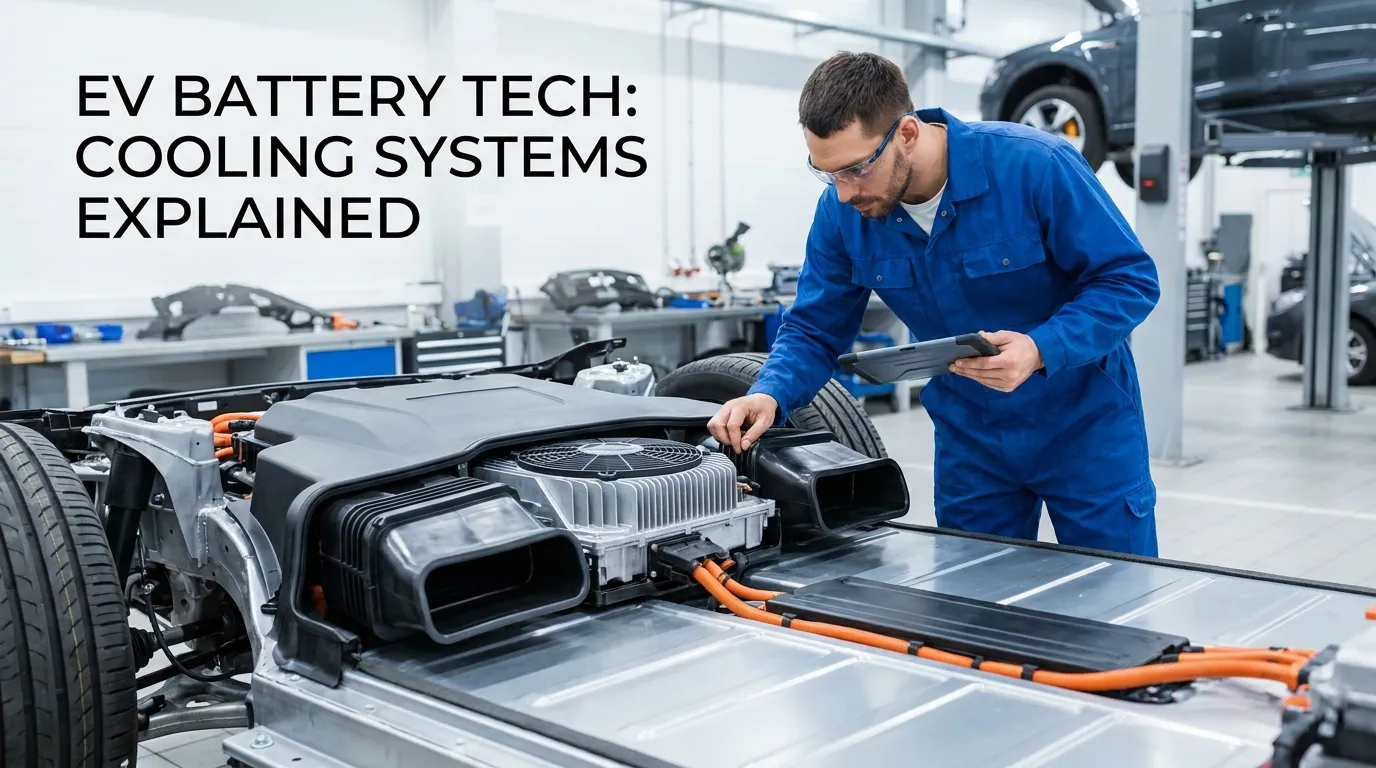
A battery cooling fan pulls air across cells or a heat exchanger. Fans can be axial, blower, or centrifugal types. They work with ducts, filters, and sensors to keep temperatures stable. A controller or BMS (battery management system) tells the fan when to run.
Most systems vary fan speed with temperature or load. Some use feedback from thermistors inside the pack. Others use fixed duty cycles for simple designs. Understanding this helps when you test, tune, or troubleshoot fans.
Common problems and their causes
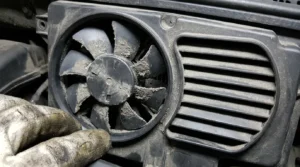
Fans fail for simple, repeatable reasons. Dust and debris block air and strain motors. Bearings wear out from hours of use and heat. Electrical issues include bad wiring, blown fuses, or BMS signals not reaching the fan.
Software or sensor faults can leave a fan idle when it should run. Duct damage reduces airflow even if the fan spins fine. Recognizing these root causes makes diagnosis fast and reliable.
Step-by-step battery cooling fan maintenance checklist
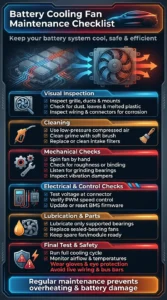
Follow this checklist every 3 to 12 months depending on use. Always disconnect power and follow safety rules before working on battery systems.
- Visual inspection
- Check fan grille, ducts, and mounting points for damage or loose fasteners.
- Look for dust, leaves, insect nests, or melted plastic near the fan.
- Verify wiring harnesses and connectors are secure and free of corrosion.
- Cleaning
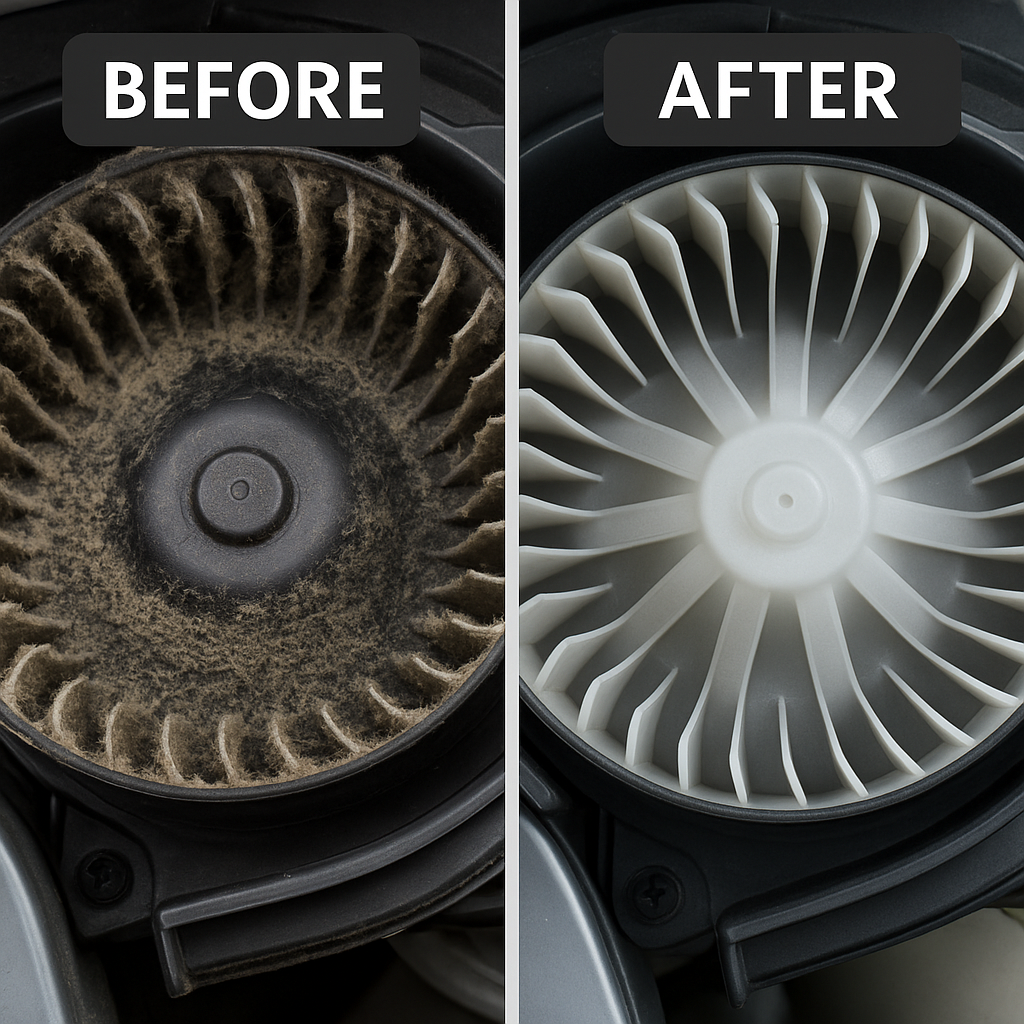
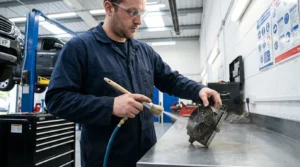
- Use compressed air at low pressure to blow dust out of the housing.
- Brush away grime gently with a soft brush if needed.
- Replace or clean intake filters when present.
- Mechanical checks
- Spin the fan by hand to feel for roughness or binding.
- Listen for grinding which signals worn bearings.
- Tighten mounts and check vibration dampers.
- Electrical and control checks
- Test voltage at the fan connector with a multimeter while the system calls for cooling.
- Verify PWM or speed-control signals if applicable.
- Reset or update BMS firmware if fan control appears faulty.
- Lubrication and parts
- Apply light bearing oil only if the fan model supports it.
- Replace sealed bearing fans instead of forcing lubrication.
- Keep a spare fan or module for quick swap in critical systems.
- Final functional test
- Reconnect power and run a full cooling cycle while monitoring temperatures.
- Confirm airflow at key points and check for unusual noise.
- Record results and schedule the next maintenance.
Safety tips
- Wear eye protection and gloves when opening enclosures.
- Avoid metal tools near live bus bars and wiring.
- Work in a well-ventilated area and follow manufacturer procedures.
Tools and products to use
Keep these basic tools for battery cooling fan maintenance. They are compact and cost-effective.
- Multimeter for voltage and continuity checks.
- Low-pressure air canister or compressed air with regulator.
- Soft brushes and lint-free cloths for cleaning.
- Small torque screwdriver set for fasteners.
- Replacement filters and spare fan module.
- Bearing oil for serviceable fans and appropriate lubricants.
Choose replacement fans with the same specs: voltage, airflow (CFM), size, and connector. Using mismatched fans can overload electrical systems or give poor cooling.
Troubleshooting and repair tips
Use a methodical approach to find faults quickly. Start with the easiest checks and move to more complex tests.
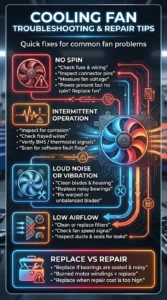
- No spin
- Check fuse, wiring, and connector pins.
- Measure voltage at the fan during a call for cooling.
- If power is present but fan does not spin, replace the fan.
- Intermittent operation
- Inspect connectors for corrosion and frayed wires.
- Check control signals from BMS or thermostat.
- Look for software flags in diagnostics.
- Loud noise or vibration
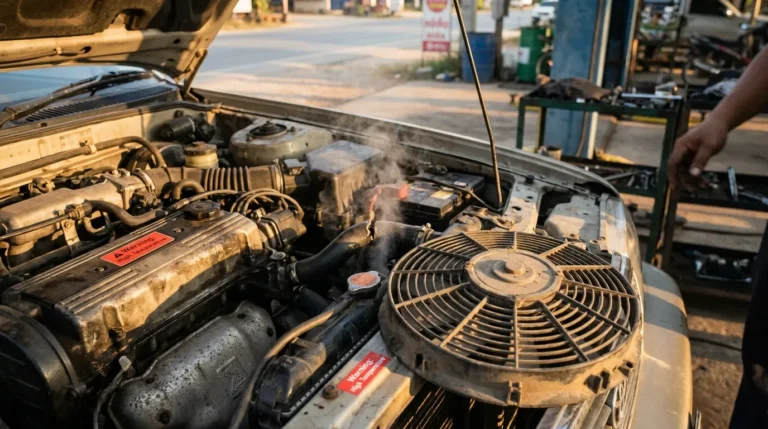
- Clean blades and housing; debris often causes noise.
- Replace bearings or the whole fan if grinding persists.
- Balance blades or replace warped fans to reduce vibration.
- Low airflow
- Clean or replace filters and clear ducts.
- Confirm fan speed at the control signal level.
- Inspect ducts and seals for air leaks.
When to replace rather than repair
- Fan bearings are sealed and noisy.
- Motor windings smell burned or show shorts.
- Replacement cost is similar to repair cost.
Case studies and personal experience
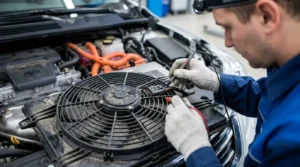
I once serviced a fleet of delivery vans where a single clogged intake sent battery temps high. Regular cleaning cut pack failures by half in six months. I learned to document results and set calendar reminders.
In another job, swapping to higher-rated filters reduced dust ingress but raised backpressure. We tuned fan control to keep airflow balanced. The lesson: test changes slowly and measure temperature impact. These small wins come from repeated checks and data logging.
Maintenance schedule and best practices
A clear schedule keeps battery cooling fan maintenance simple and consistent.
- Monthly
- Visual inspection of external vents and general cleanliness.
- Quick functional test if the system logs indicate issues.
- Every 3 months
- Clean intake filters and dust from grilles.
- Check connectors and mounts.
- Every 6–12 months
- Full inspection, electrical tests, and firmware checks.
- Replace filters and worn fans as needed.
- After heavy use or harsh environments
- Inspect sooner if you operate in dusty, salty, or wet conditions.
- Log any alarms from the BMS and inspect the fan right away.
Best practices
- Use genuine replacement parts when possible.
- Track maintenance in a log with dates and temperature readings.
- Train operators to report unusual noise or alarms immediately.
Environmental and safety considerations
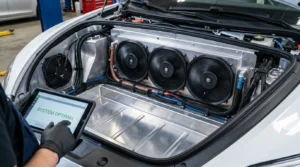
Handle fans and battery enclosures safely. Batteries retain charge and can be hazardous. Dispose of failed fans and filters properly. Some fans may have electronic waste that requires recycling.
Wear PPE and follow lockout-tagout rules during service. Avoid pouring cleaners into battery packs. If unsure, consult the equipment manual or a certified technician. Transparency about limits is important for safety and trust.
Frequently Asked Questions of battery cooling fan maintenance
What is the main sign a battery cooling fan needs maintenance?
Unusual noise, reduced airflow, rising cell temperatures, or BMS cooling alarms are key signs. Any of these should trigger inspection and testing.
How often should I clean my battery cooling fan?
Clean visible dust monthly and perform a deeper clean every three to twelve months. The exact interval depends on environment and usage.
Can I lubricate all battery cooling fans?
No. Only lubricate fans designed for field servicing. Many modern fans have sealed bearings and require replacement instead.
Will replacing the fan improve battery life?
Yes. Proper airflow keeps cells cooler and reduces thermal stress, which slows capacity loss over time. Regular maintenance supports longer battery life.
Is DIY maintenance safe for high-voltage battery systems?
Basic cleaning and visual checks are fine for trained individuals. For wiring, firmware, or pack access, follow manufacturer guidance or hire certified technicians.
Conclusion
Battery cooling fan maintenance is a small task with big benefits. Regular inspection, cleaning, and testing keep batteries cool, safe, and efficient. Use a clear schedule, log your work, and replace parts when needed. Start today by checking vents and filters, and set a reminder for deeper checks. If this guide helped, subscribe for more tips or leave a comment with your maintenance questions.