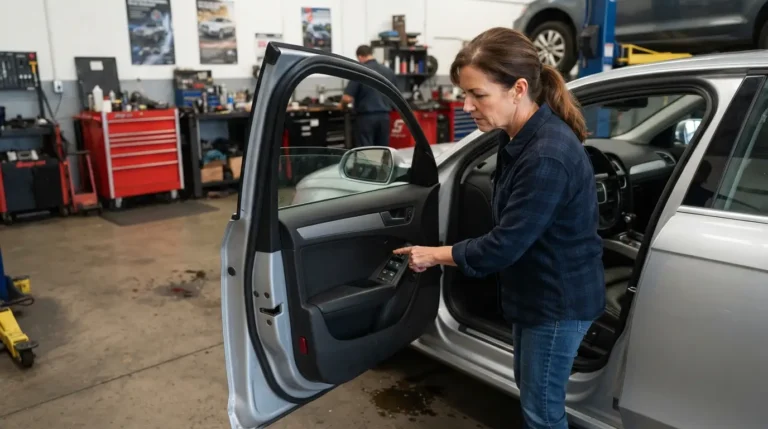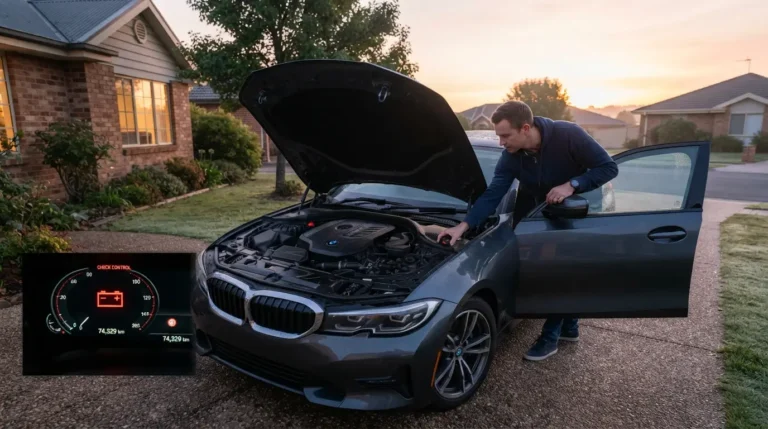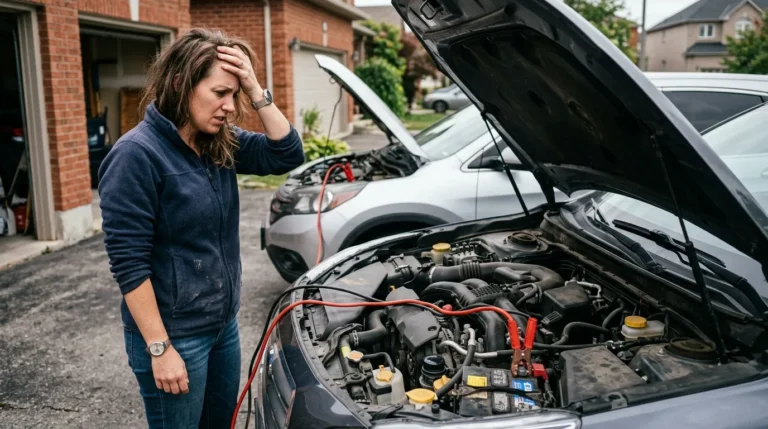
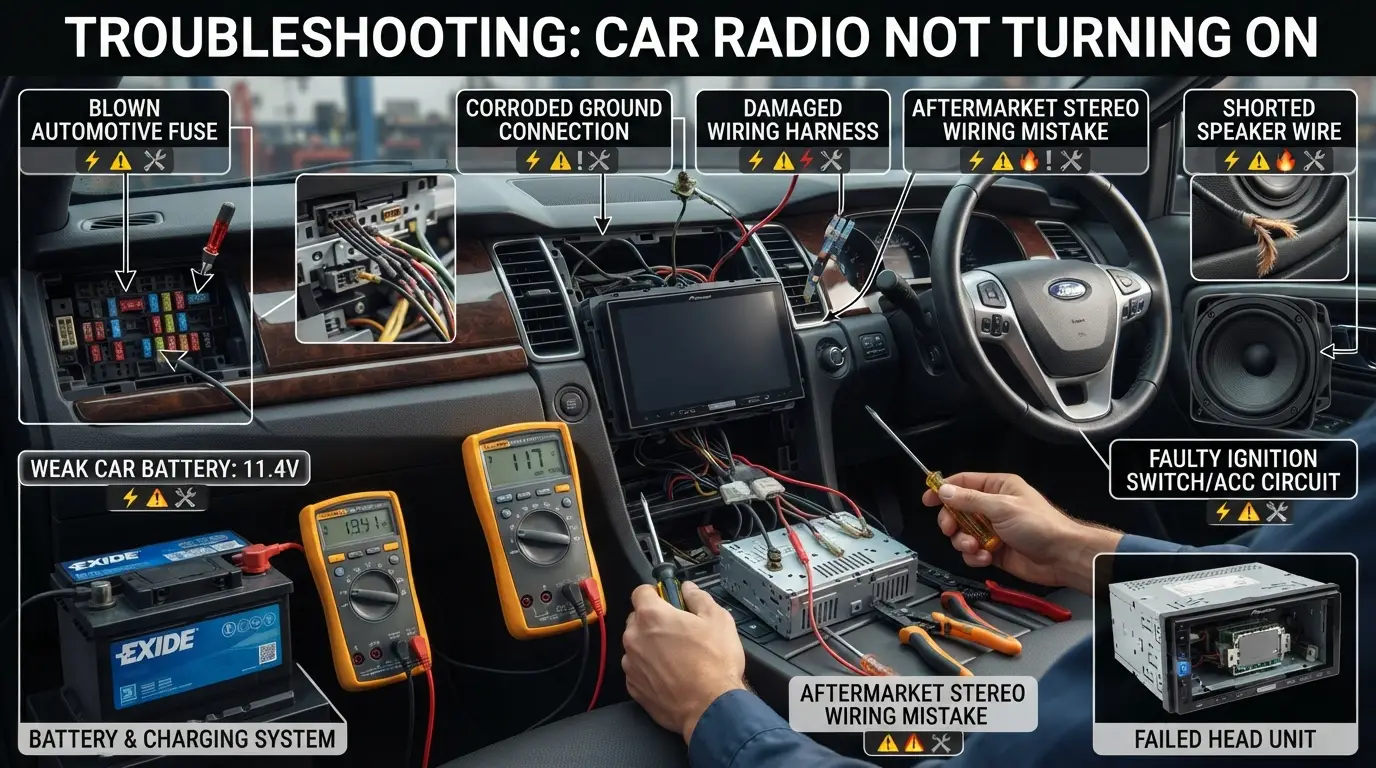
Blown fuses, bad wiring, weak battery, ignition issues, or failed head unit.
If you’ve ever turned the key and heard only silence, you’re not alone. In this guide, I’ll explain what would cause a car radio to not turn on, step by step. I work with electrical faults every week, and I’ll show you the simple checks first, then the deeper stuff pros use. Stick with me, and you’ll know exactly where to start and how to fix it without guesswork.
How a car radio powers up
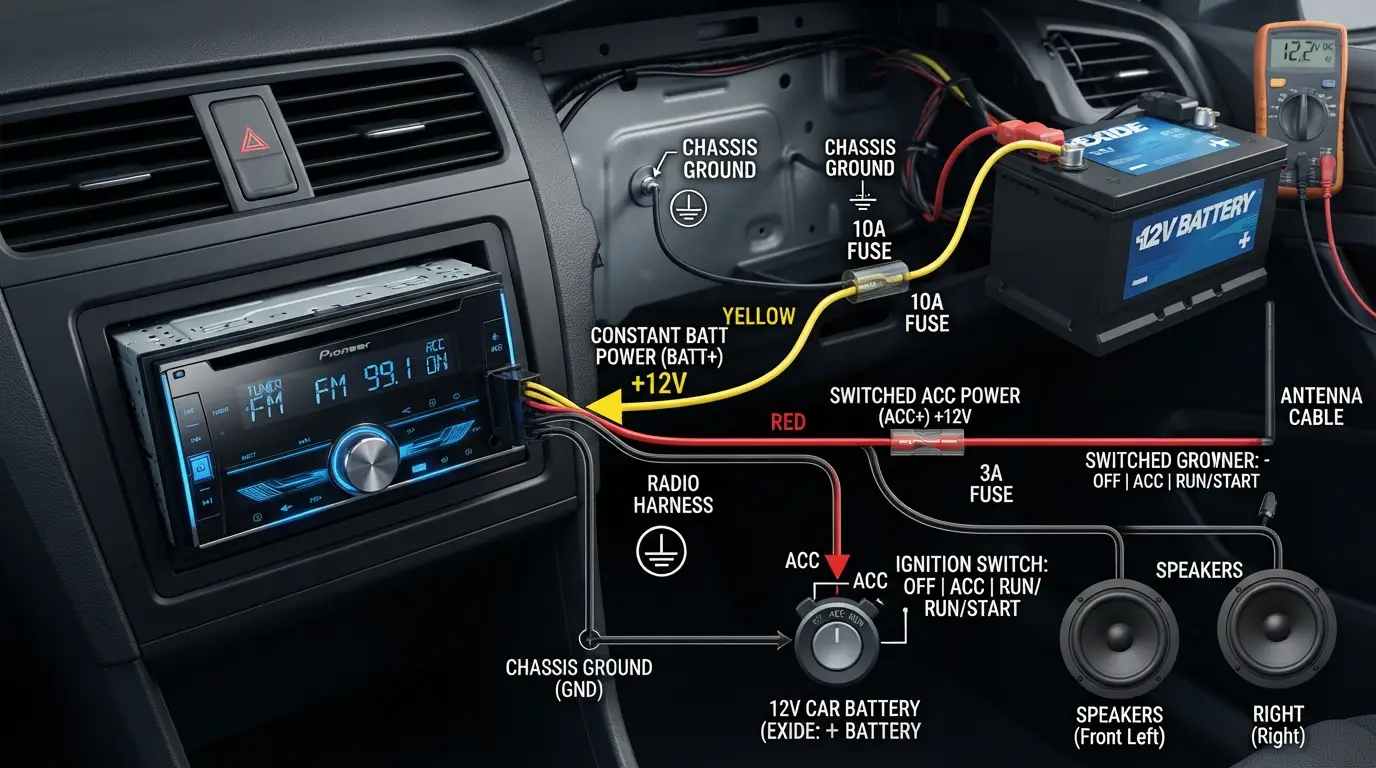
A car radio needs three things to wake up: constant power, switched power, and ground. Constant power (BATT) keeps memory alive. Switched power (ACC) tells the radio to turn on with the key. Ground completes the circuit.
Most cars also route signals through modules. Newer infotainment units listen for a wake command on the CAN bus. Some systems need an amp turn-on lead to power external amplifiers. If any one link breaks, you’ll ask what would cause a car radio to not turn on.
Simple rule of thumb: if memory resets, the BATT feed is bad. If memory holds but the unit stays dark, ACC or ground is suspect.
My shop note: half the “dead radio” cars I see have a blown fuse or loose ground. The rest are miswired installs or software locks.
Common causes and how to fix them
Blown fuse in the cabin, engine bay, or inline
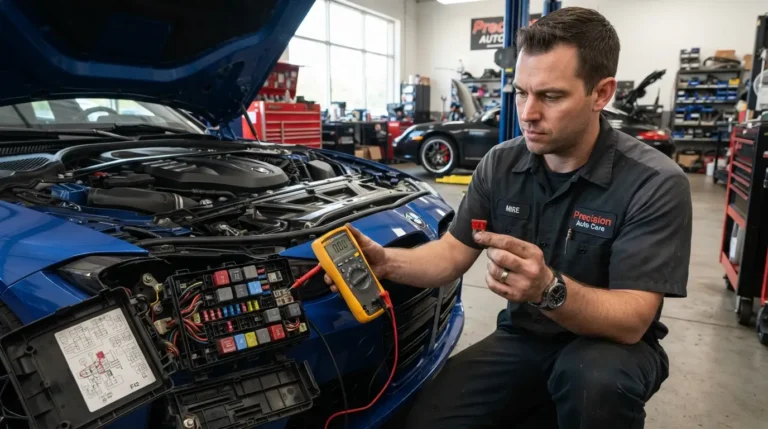
Many radios have more than one fuse. Check the cabin fuse box, under-hood fuse box, and the inline fuse behind the radio. Use a test light or meter. Replace with the same rating only. If it blows again, look for a shorted wire.
Weak or dead battery, or voltage drop
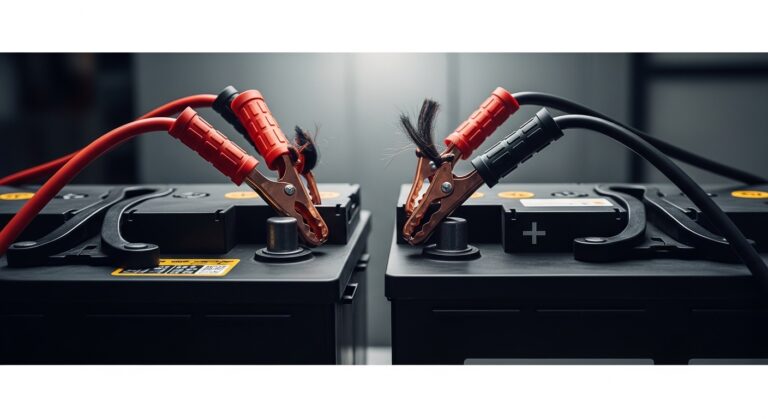
Low voltage can keep a radio from booting. Measure battery at rest and while cranking. If it dips hard under load, fix the battery or charging system. You might wonder what would cause a car radio to not turn on after a jump start. It can be low voltage or a blown fuse from sparks.
Bad ground connection
A corroded or loose ground behind the dash causes odd cutouts. Remove, clean, and reattach the ground to bare metal. Use a star washer for bite. Ground is as important as power.
Ignition switch or ACC relay issues
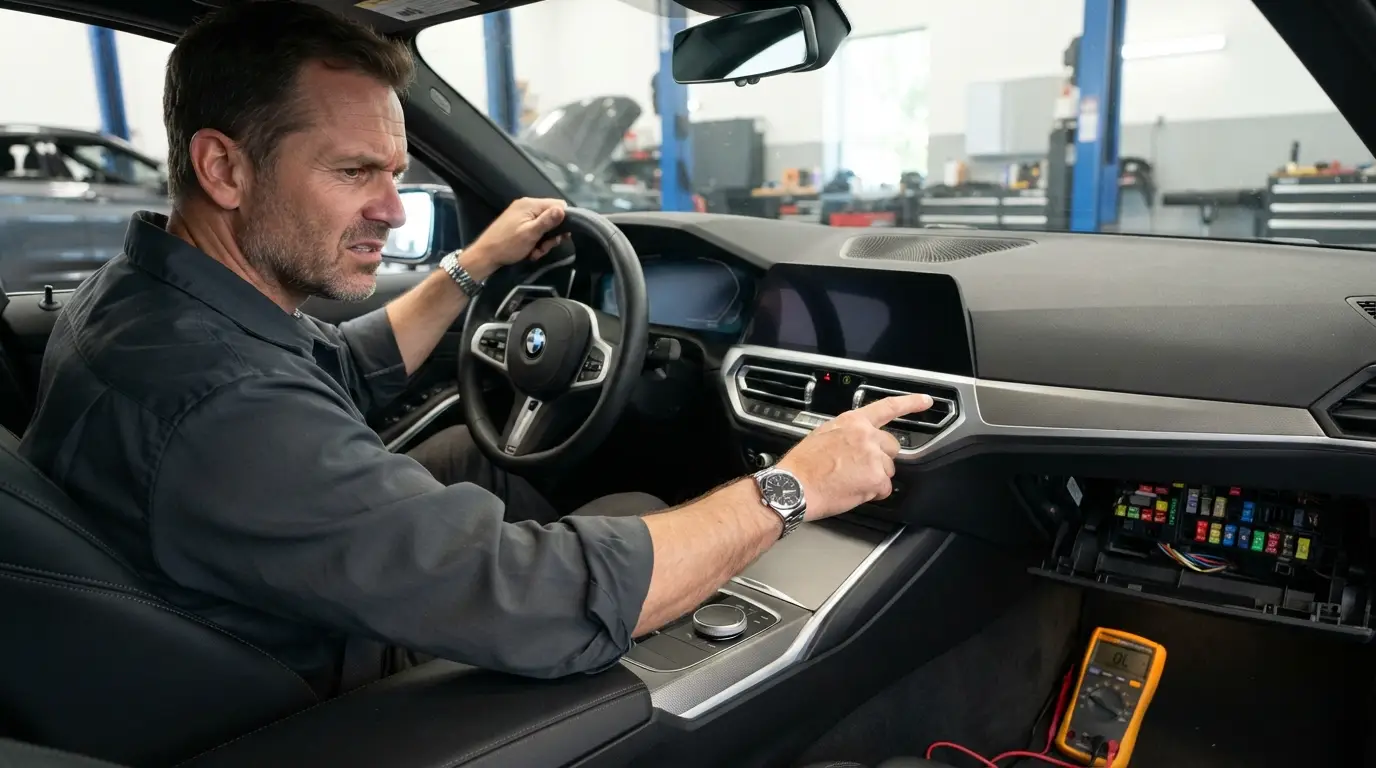
If ACC power never arrives, the radio will not wake. Test the ACC wire at the harness with the key ON. If there’s no 12V, trace back to the ignition switch, relay, or a broken circuit.
Detachable faceplate or ribbon cable faults
On older units, a dirty or cracked ribbon cable between the face and body stops power-on. Clean the contacts. If cracked, replace the ribbon or the face.
Aftermarket install mix-ups
This is a big one. The constant and switched leads get swapped often. Speakers sometimes short to metal. Amp remote leads get left off. Use a wiring adapter for your car, not bare splices. A proper harness solves most “what would cause a car radio to not turn on” cases after a DIY swap.
Shorted speaker wires or amp in protect
A pinched speaker wire can short the outputs. Many radios shut down to protect the circuit. Unplug the speaker harness and test. If it powers up with speakers unplugged, find the short. External amps with poor grounds also force shutdown.
Security lock or anti-theft code
If power was lost, some units need a code. The screen may be dark or show “CODE.” Enter the code from your owner’s packet. If you do not have it, a dealer can help with proof of ownership.
Software crash in modern infotainment
Head units are small computers. They can freeze after updates or low voltage. Try a soft reset or fuse pull reset per your manual. Check for software updates or TSBs that match your symptoms.
Water intrusion or internal failure
A windshield leak can drip into the dash. Moisture corrodes boards and kills radios. Look for damp carpet, foggy lenses, or a musty smell. If the internal power supply fails, replacement is often cheaper than board repair.
Dimmer settings or night mode fooling you
Some screens go very dark with headlights on. Try day mode or raise the dimmer. Also check mute and volume, just in case.
CAN bus or data line failures
If the data line is down, the radio may never receive the wake command. Scan the car for codes. You may find network errors that point to a gateway or a module problem. This is a less common but real answer to what would cause a car radio to not turn on.
Step-by-step troubleshooting checklist
Use this simple flow. You can do it with basic tools.
- Check the obvious
- Make sure the radio is not muted.
- Turn the dimmer up.
- Try ACC and ON key positions.
- Try a soft reset per the manual.
- Confirm battery health
- Measure battery at rest. Look for a healthy reading.
- If it is low, charge it and test again.
- Test power and ground at the radio harness
- With the key OFF, BATT should show 12V.
- With the key ON, ACC should show 12V.
- Check ground for near-zero ohms to chassis.
- Inspect fuses
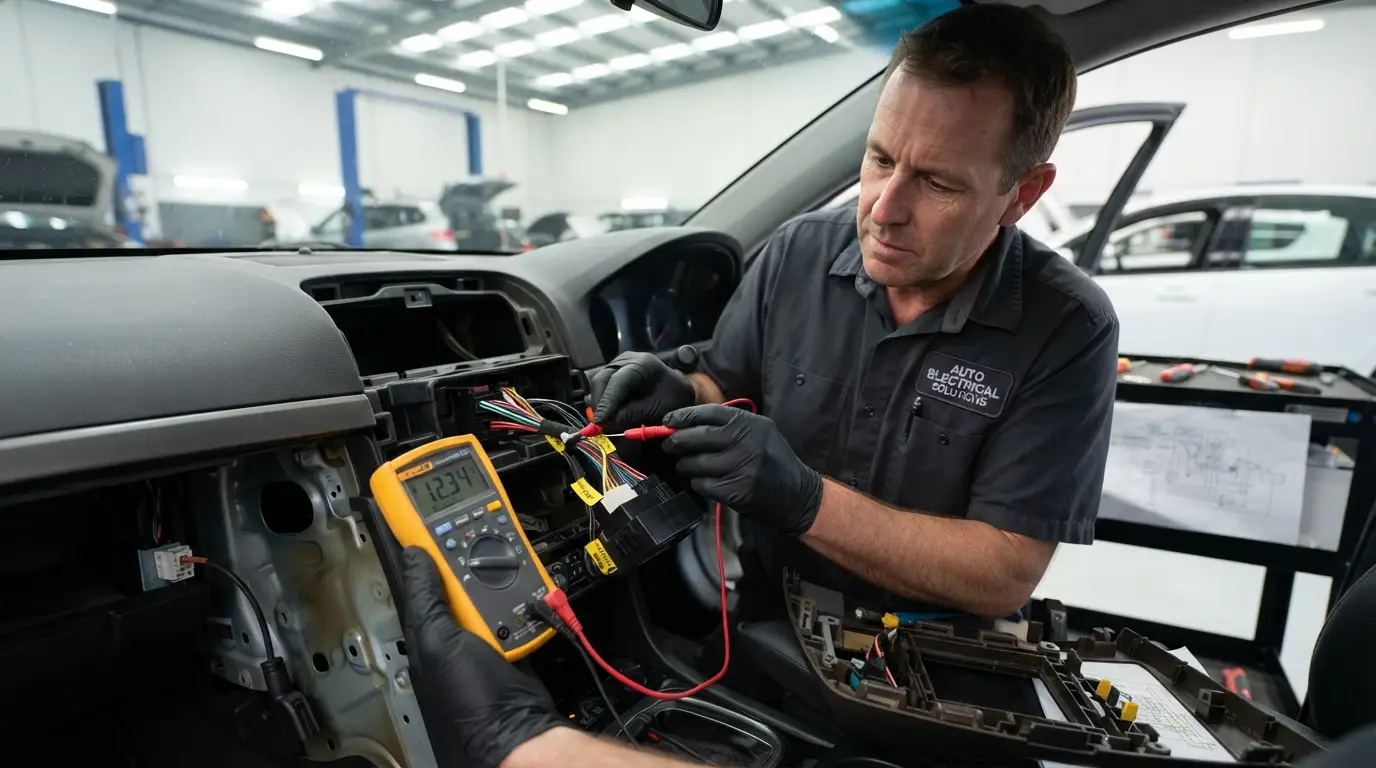
- Check the cabin fuse, engine bay fuse, and inline fuse.
- Use a meter. Do not trust a visual check alone.
- Bypass suspects
- Unplug speakers to rule out shorts.
- If there is an amp, pull its fuse or remote lead and try again.
- Look for locks or software issues
- Watch for “CODE” or security prompts.
- Try a reset and check for updates or TSBs.
- Check wiring quality
- If aftermarket, confirm the harness colors with a diagram.
- Fix twisted bare wires. Use solder or crimp and heat-shrink.
- Scan the car
- On late models, scan for fault codes.
- Network faults can block wake signals.
A quick shop story: A customer asked what would cause a car radio to not turn on after a parking lot jump. We found a blown inline fuse behind the head unit from a spark. Five minutes and a new fuse fixed it.
Special cases to know
Aftermarket head units
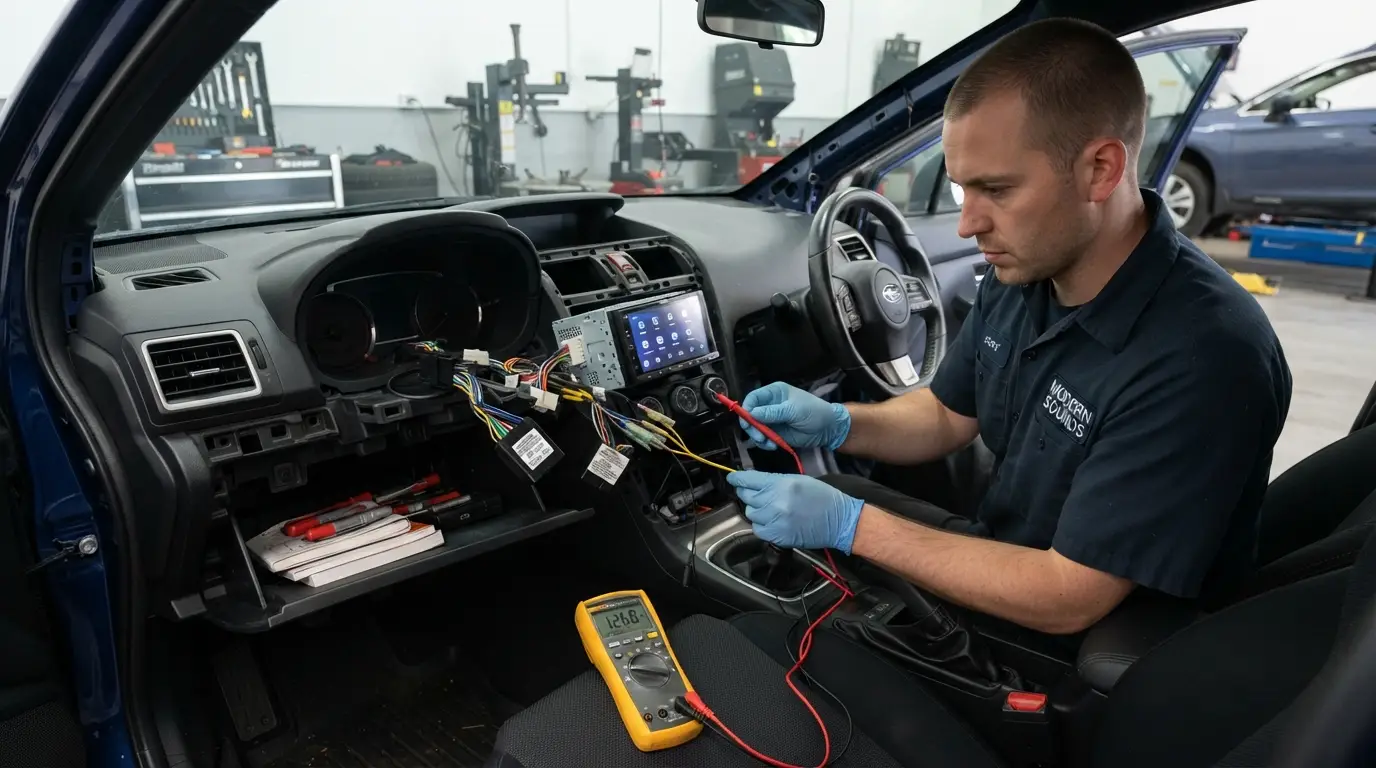
Aftermarket radios work best with car-specific adapters. Use the right harness, antenna adapter, and steering wheel control module. On CAN bus cars, use an interface that recreates ACC and retains features. This avoids the classic what would cause a car radio to not turn on after install problem.
Older vehicles
Removable faces and CD units often fail at the ribbon cable or eject motor. Power can be fine, yet the unit stays dark because the face cannot talk to the board. Parts are cheap, but time adds up.
Modern infotainment systems
These integrate with HVAC, cameras, and safety systems. Many do not have a simple ACC wire. They wake by data. Follow factory service info for resets and updates. If you skip this, you can chase your tail on what would cause a car radio to not turn on.
Prevention and maintenance tips
- Keep battery and terminals clean. Poor charge health causes reboots and lockouts.
- Use proper wiring adapters. Avoid bare splices. Secure all grounds.
- Add fuses close to the battery for any amp or power lead.
- Seal leaks fast. Moisture kills electronics.
- Save your anti-theft code in a safe place.
- Update software when the maker recommends it.
Do these and you will dodge most cases of what would cause a car radio to not turn on in the first place.
Costs and when to call a pro
Simple fixes are cheap. A fuse or harness repair is low cost. A new head unit varies by brand and features. Labor rates vary by area.
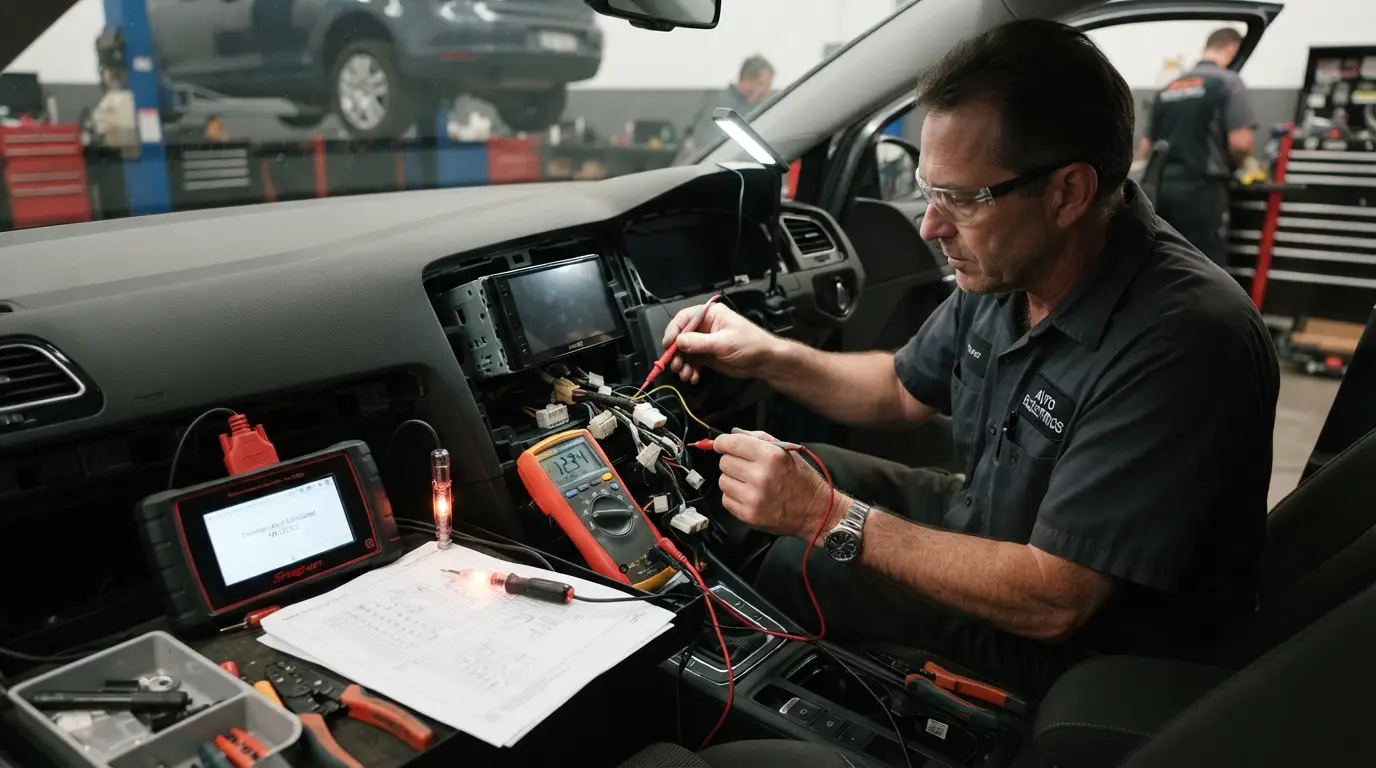
Call a pro when you see melted wiring, repeated fuse blows, or network codes. A shop has meters, scopes, and service info to find what would cause a car radio to not turn on without guesswork. It can save hours and protect airbag or security systems.
Safety and tools checklist
Tools that make life easy:
- Digital multimeter and a simple test light
- Plastic trim tools and good lighting
- Proper crimpers, solder, and heat-shrink
- Wiring diagram or adapter chart
- OBD-II scanner for newer cars
Safety reminders:
- Disconnect the battery before pulling the radio if airbags are near.
- Use the correct fuse rating.
- Support the dash trim to avoid cracks.
Frequently Asked Questions of what would cause a car radio to not turn on
Why did my radio die right after a jump start?
The voltage spike or a brief short can blow a fuse or damage a weak unit. Check all related fuses, then test battery health before trying again.
Can a bad ground keep the radio from turning on?
Yes. A poor ground can block current flow and cause a dead unit. Clean and tighten the ground point until it contacts bare metal.
Does a blown speaker make the radio stay off?
A shorted speaker wire can send the radio into protect mode. Unplug the speaker harness and try again to confirm.
Could the ignition switch be the problem?
If ACC power never reaches the radio, it will not wake. Test the ACC circuit at the harness with the key ON to confirm.
How do I fix what would cause a car radio to not turn on after installing a new unit?
Verify the constant, switched, and ground wires with a meter. Use a car-specific harness adapter and check the fuse in the new radio’s power lead.
Will a security code lock make the radio look dead?
It can. Some units show a blank or code screen until the right code is entered after a power loss.
Can software cause the radio to stay off?
Yes. Infotainment units can freeze or fail to boot. Try the factory reset steps and check for updates or bulletins.
Conclusion
A silent radio is almost always a simple link in the power chain gone bad. Work the checklist from battery and fuses, to ACC and ground, to wiring, speakers, and software. When you follow the steps, what would cause a car radio to not turn on becomes clear, and the fix is often quick.
Take action today. Check your fuses, test for ACC power, and back up your radio code. If you found this helpful, share it, subscribe for more car care tips, or drop your question in the comments.