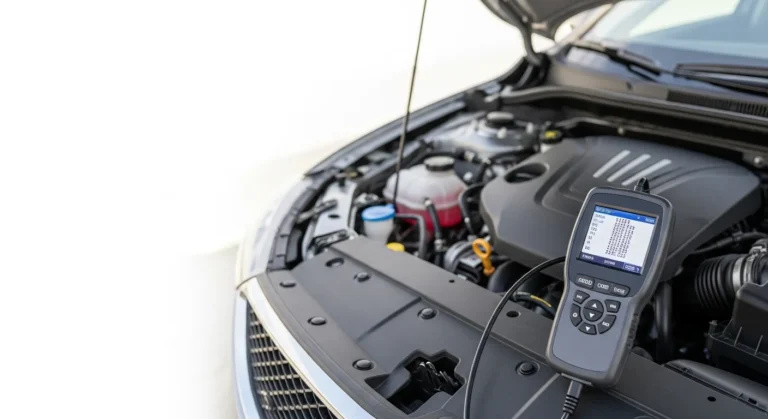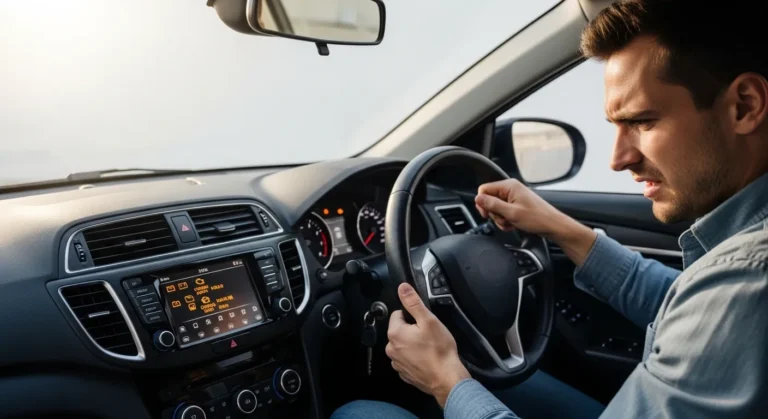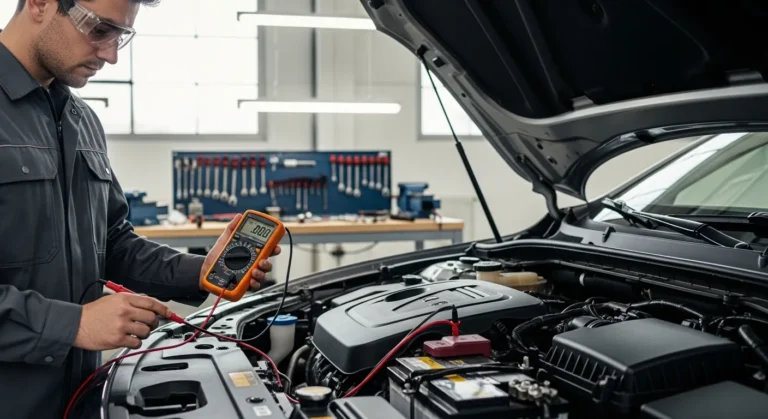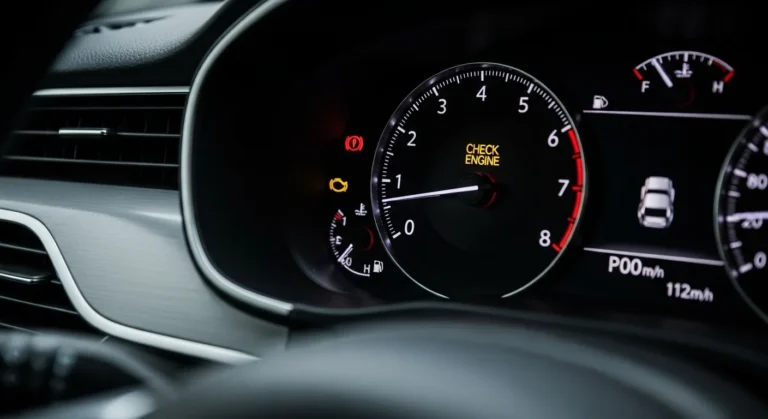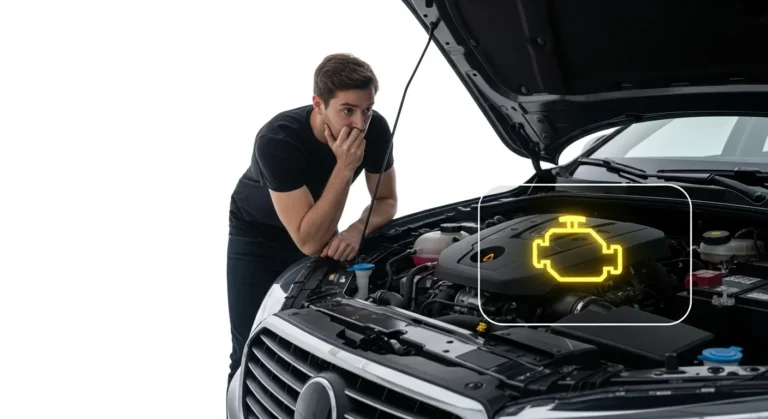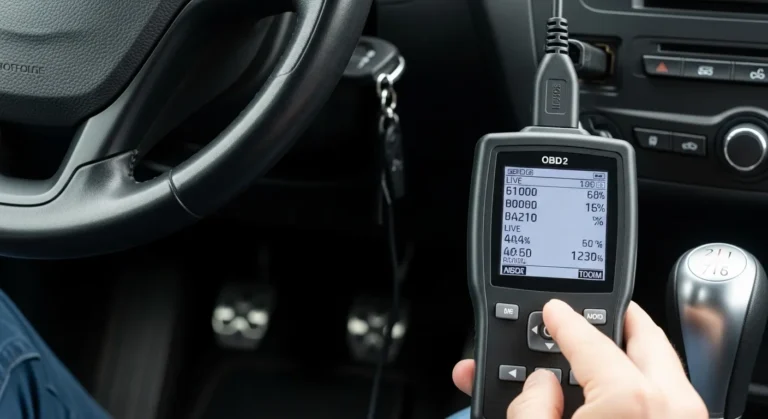
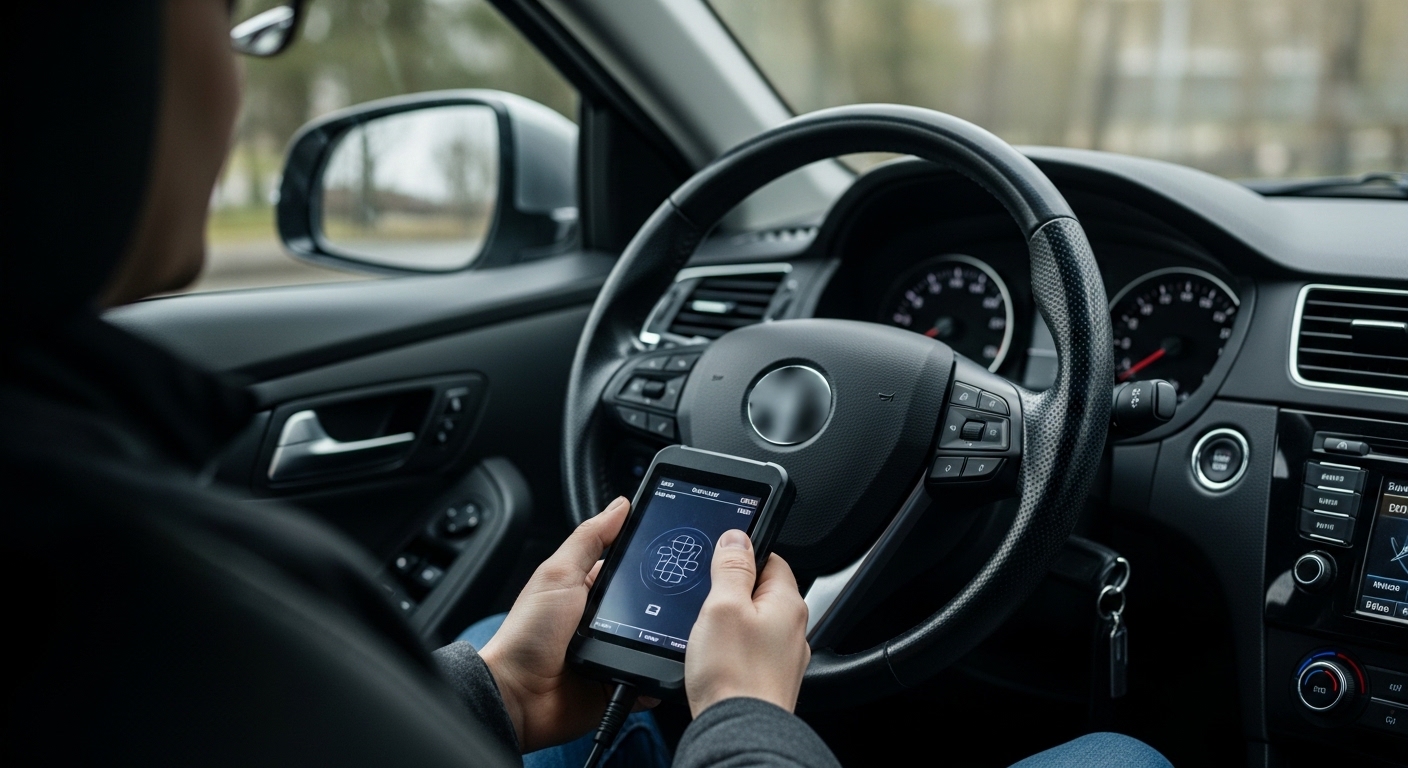
Plug the scanner into the OBD-II port, turn the key on, read codes, then interpret live data.
If you want a simple, safe, and proven way to diagnose your car, this guide shows you how to use obd2 scanner like a pro. I’ve used dozens of tools in real garages on daily drivers and fleet cars. You’ll learn how to use obd2 scanner step by step, read trouble codes with context, and use live data to make the right repair the first time.

What Is an OBD2 Scanner?
An OBD2 scanner talks to your car’s computer through a 16‑pin port under the dash. It reads trouble codes, live sensor data, and emissions info. The system follows common rules set for cars sold in the US since 1996.
There are two main tools. A code reader shows codes and clears them. A scanner adds live data, freeze frame, and tests. Most cars use CAN, ISO9141-2, KWP2000, VPW, or PWM protocols. You do not need to know them to get started.
If you ask how to use obd2 scanner, start by knowing what it can see. It can show P0xxx generic powertrain codes and many P1xxx maker codes. Some tools also read B, C, and U codes for body, chassis, and network.

Tools You Need Before You Start
You do not need a shop full of tools. You can get far with a small kit.
- A reliable OBD2 scanner or a Bluetooth adapter with a good app
- A smartphone or tablet if you use Bluetooth
- The vehicle’s year, make, and model
- A stable battery and safe, well‑ventilated spot
- A notepad or notes app to log data
If your goal is how to use obd2 scanner fast, pick a tool that fits you. Handheld units from Autel, Innova, or Foxwell are simple. Bluetooth units with ELM327 chips work with apps like Torque, Car Scanner, and OBD Fusion.
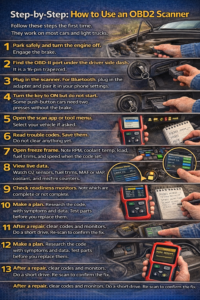
Step-by-Step: How to Use an OBD2 Scanner
Follow these steps the first time. They work on most cars and light trucks.
- Park safely and turn the engine off. Engage the brake.
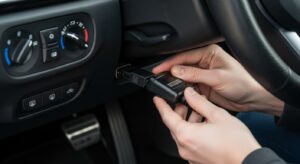
- Find the OBD-II port under the driver side dash. It is a 16‑pin trapezoid.
- Plug in the scanner. For Bluetooth, plug in the adapter and pair it in your phone settings.
- Turn the key to ON but do not start. Some push‑button cars need two presses without the brake.
- Open the scan app or tool menu. Select your vehicle if asked.
- Read trouble codes. Save them. Do not clear anything yet.
- Open freeze frame. Note RPM, coolant temp, load, fuel trims, and speed when the code set.
- View live data. Watch O2 sensors, fuel trims, MAF or MAP, coolant, and misfire counters.
- Check readiness monitors. Note which are complete or not complete.
- Make a plan. Research the code with symptoms and data. Test parts before you replace them.
- After a repair, clear codes and monitors. Do a short drive. Re‑scan to confirm the fix.
If a friend asks how to use obd2 scanner on a trip, this list is my go‑to answer. Keep it simple and log each step.
Reading Trouble Codes Like a Pro
Codes are clues, not verdicts. Read them, then confirm with data.
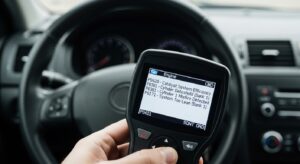
- DTC format: A letter and four numbers. P0301 means a misfire on cylinder 1.
- Generic codes start with P0. Maker codes are P1 and can mean different things by brand.
- Confirmed codes turn on the light. Pending codes show a fault that happened once.
- Freeze frame shows what the engine saw when the code set. Treat it like a photo at the scene.
How to use obd2 scanner for smart code work? Pull all codes first. Then sort by primary and related codes. Fix root causes before symptoms. For example, fix a vacuum leak that causes lean fuel trims before chasing O2 sensor codes.
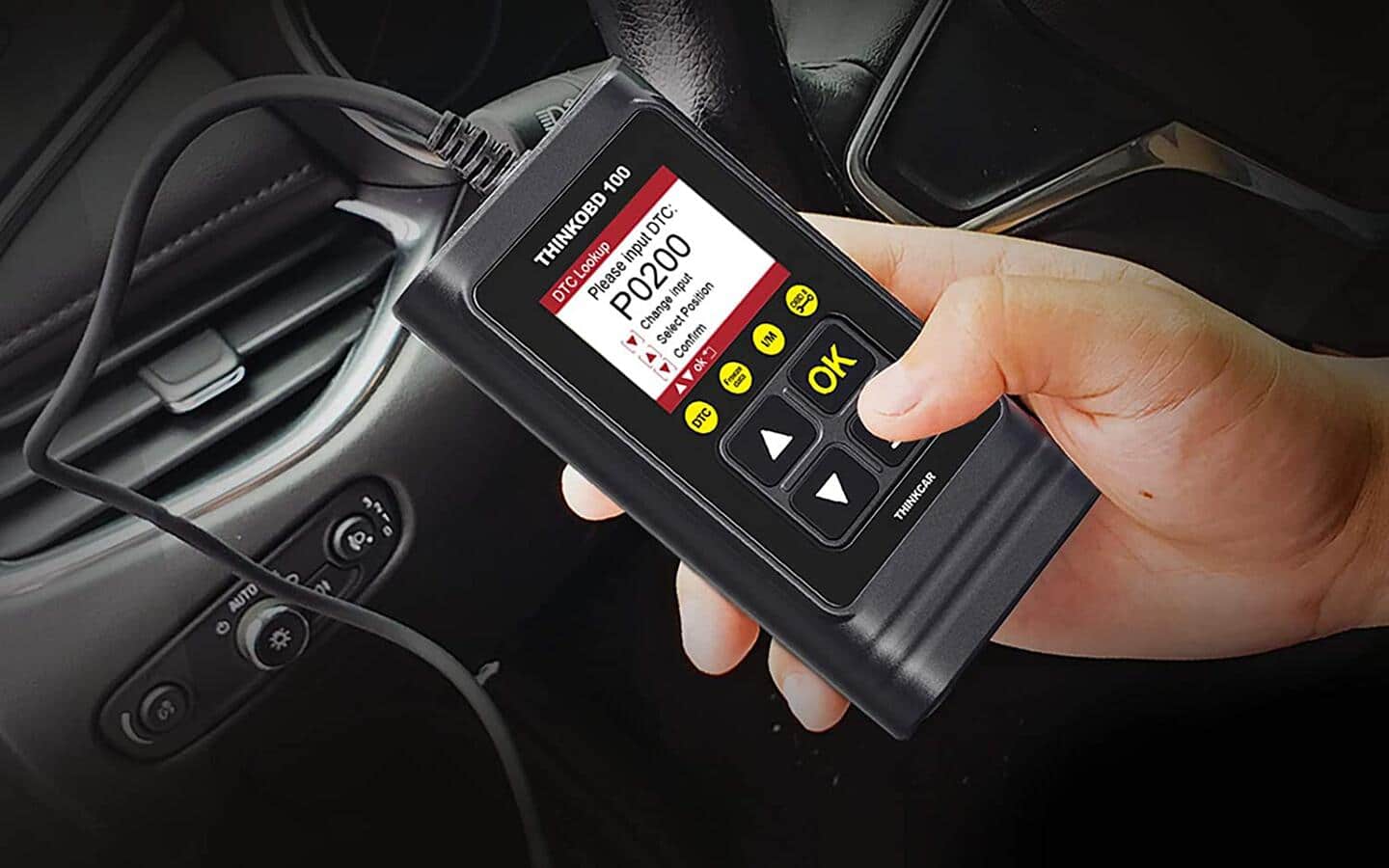
Live Data You Should Watch
Live data makes the magic happen. Use it to prove or disprove a cause.
- Short‑term fuel trim (STFT): Quick fuel changes. Near 0% is normal. High positive means lean.
- Long‑term fuel trim (LTFT): Learned fuel change. Over +10% points to a leak or low fuel flow.
- O2 or A/F sensors: Front sensors should switch fast at idle. Slow or flat lines are a red flag.
- MAF or MAP: Airflow or manifold pressure. Compare to known idle values for your engine size.
- Coolant temp (ECT) and intake air temp (IAT): Should match reality. Bad data skews fuel.
- Misfire counters: Look for patterns by cylinder and by RPM band.
When people ask how to use obd2 scanner beyond codes, I say watch trims. They speak the truth about air and fuel.
Readiness Monitors and Emissions Tests
Monitors say if the car has run its self‑checks. They matter for inspection.
- Common monitors: Catalyst, O2 sensor, EVAP, EGR, secondary air, misfire, fuel, and O2 heater.
- Complete means the test ran and passed. Not complete means it still needs to run.
- A drive cycle is a mix of idle, cruise, and decel. Follow your maker’s steps if you can.
Here is how to use obd2 scanner before an emissions test. Check that all required monitors are complete. Do not clear codes right before a test. That resets monitors and can fail you even if the light is off.
Mode 6 and Advanced Tests (If Your Tool Supports It)
Mode 6 shows raw test results from on‑board checks. It looks nerdy, but it helps.
- You can see misfire counts by cylinder at certain RPM ranges.
- You can see O2 sensor response times and heater tests.
- Each test has a min and max value. Your number should be within these limits.
If you want depth in how to use obd2 scanner, learn Mode 6. It can prove a weak O2 sensor or a borderline catalyst before a code sets.

When to Clear Codes (And When Not To)
Clear codes after you fix the cause, not before. Use the light to help you test.
- Clear codes to reset monitors after a repair or software update.
- Do not clear codes to hide a fault before a sale or an inspection.
- If a code returns fast, the fault is active. If it returns later, the fault is intermittent.
A key tip on how to use obd2 scanner well: Save a full report before you clear anything. You cannot get that freeze frame back.
Bluetooth vs Handheld Scanners: Pros and Cons
Both work. Pick the one that fits your style and budget.
- Bluetooth adapters: Cheap, small, and flexible with apps. Need a phone and can be laggy. Watch out for very cheap clones that drop data or drain the battery.
- Handheld scanners: Faster, tougher, and work without a phone. Better buttons and menus. Mid‑level tools add ABS, SRS, and service resets.
If you are learning how to use obd2 scanner at home, a good Bluetooth unit with a solid app is fine. If you work on many cars, a mid‑range handheld saves time.
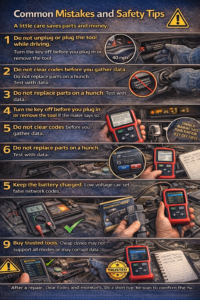
Common Mistakes and Safety Tips
A little care saves parts and money.
- Do not unplug or plug the tool while driving.
- Turn the key off before you plug in or remove the tool if the maker says so.
- Do not clear codes before you gather data.
- Do not replace parts on a hunch. Test with data.
- Keep the battery charged. Low voltage can set false network codes.
- Buy trusted tools. Cheap clones may not support all modes or may corrupt data.
People often ask how to use obd2 scanner without risk. The answer is simple. Read first. Plan next. Act last.
Real-World Examples From The Garage
Here are quick wins from my workbench that show how to use obd2 scanner in real life.
- P0300 random misfire: STFT and LTFT were +18% at idle and fine at cruise. Smoke test found a small intake leak. Fix the leak, trims back to normal, no parts cannon.
- P0420 catalyst below threshold: Upstream O2 switched fast. Downstream O2 was also switching. Exhaust leak before the cat fooled the test. Fix the leak, code gone.
- P0442 small EVAP leak: EVAP monitor not complete for days. Fuel cap seal cracked. New cap and a proper drive cycle set the monitor.
- U0100 lost communication: Many U codes after a jump start. Battery weak. New battery and a clean ground cleared the network noise.
- Rough idle with no codes: Mode 6 showed rising misfire counts on cylinder 3. Coil was weak under load. Replaced coil, smooth idle.
If you practice how to use obd2 scanner this way, you will fix the cause, not the code.
Frequently Asked Questions of how to use obd2 scanner
Where is the OBD-II port in my car?
It is under the driver side dash, near the steering column. Look for a 16‑pin trapezoid connector within arm’s reach of the seat.
Can I use an OBD2 scanner while driving?
Yes, for live data logging and road tests. Secure the device and do not look at the screen while driving.
Will an OBD2 scanner void my warranty?
No. Reading data is passive. Do not change settings or run special tests unless your maker allows it.
What codes can I read with a basic tool?
You can read powertrain P0xxx codes and many P1xxx codes. Some tools also read ABS, airbag, and network codes on certain cars.
Should I clear codes after I read them?
Only after you fix the cause. Save a report first so you keep freeze frame and monitor status.
Do I need internet to use an OBD2 scanner?
No, it works offline. Internet helps with code lookup and repair guides.
Can a scanner tell me the exact part to replace?
It points to a system, not a part. Use data like fuel trims and sensor readings to confirm the fault.
Conclusion
You now know how to use obd2 scanner to read codes, study live data, and check monitors with confidence. Start with data, not guesses. Use clear steps, simple tests, and notes to guide each repair.
Take the next drive with your scanner and log a short trip. See what normal looks like on your car, then use that baseline when things go wrong. Want more tips like this? Subscribe for updates, ask a question, or share your scan story in the comments.